
 Need help?
Do you have a question about the Pro-face SP-5B10 and is the answer not in the manual?
Read instructions carefully, familiarize with device, and understand hazard messages and procedures.
Indicates a hazardous situation that will result in death or serious injury if not avoided.
Indicates a hazardous situation that could result in death or serious injury if not avoided.
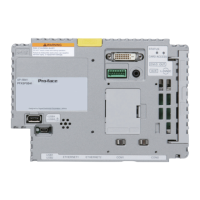
Details the front, right, and bottom interfaces of the SP-5B10 model.
Instructions for installing onto Display Module or DC Power Supply Adapter.
Instructions for removing from Display Module or DC Power Supply Adapter.
Safety warnings and procedures for connecting to the USB interface.
Safety warnings and step-by-step instructions for wiring the AUX connector.
Steps for replacing the memory backup battery and related warnings.
 General
| Brand | Pro-face |
|---|---|
| Model | SP-5B10 |
| Category | Control Unit |
| Language | English |

 To Next Page
