15
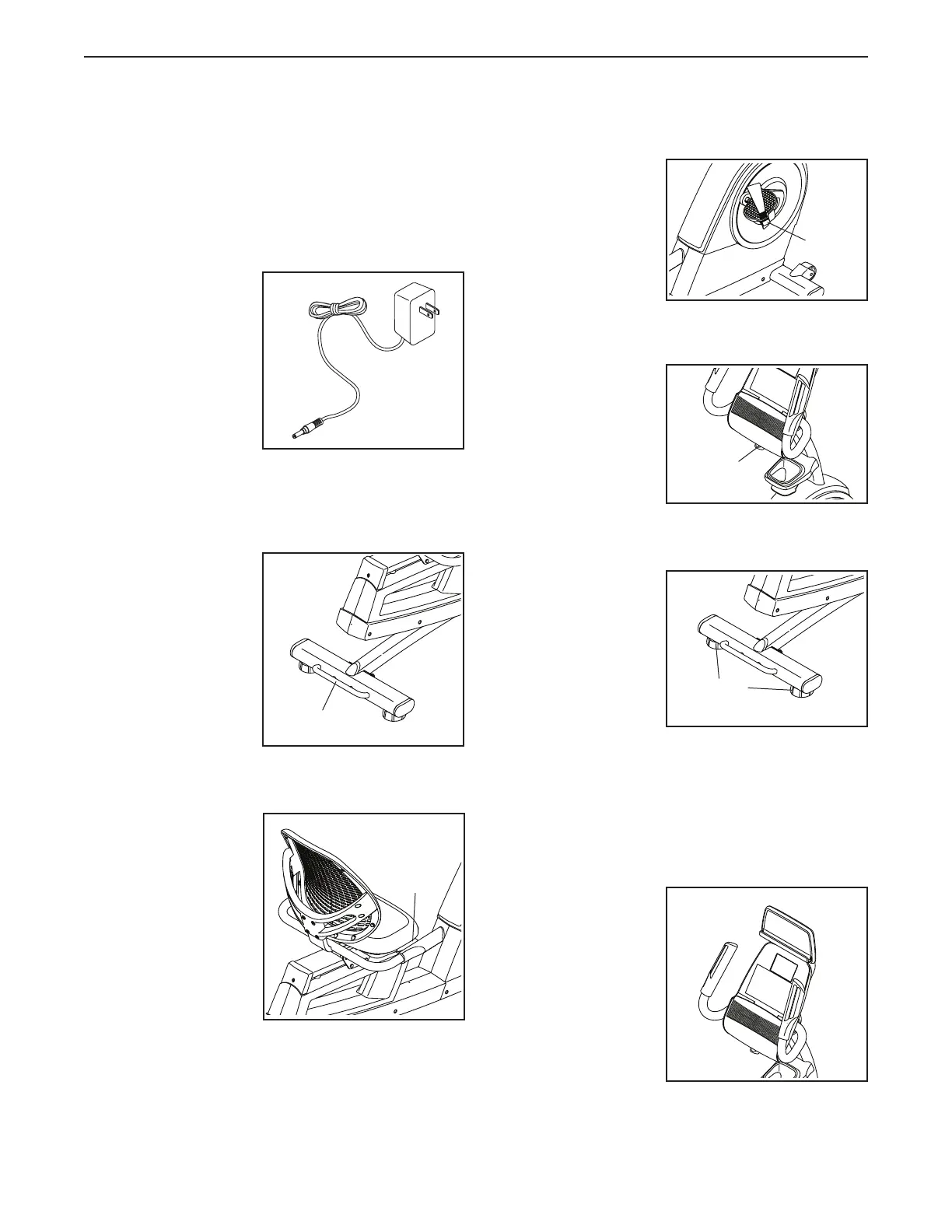
HOW TO PLUG IN THE POWER ADAPTER
IMPORTANT: If the exercise bike has been exposed
to cold temperatures, allow it to warm to room
temperature before you plug in the power adapter.
If you do not do this, you may damage the console
displays or other electronic components.
Plug the power
adapter into the
receptacle on the
front of the exercise
bike. Then, plug
the power adapter
into an appropri-
ate outlet that is
properly installed
in accordance with
all local codes and
ordinances.
HOW TO MOVE THE EXERCISE BIKE
To m o ve t he e x erci se
bike, hold the handle
on the rear stabilizer
and carefully lift it
until the exercise
bike can be moved
on the front wheels.
Carefully move the
exercise bike to the
desired location and
then lower it.
HOW TO ADJUST THE SEAT
The seat can be
adjusted forward
or backward to the
position that is the
most comfortable. To
adjust the seat, push
downward on the
adjustment handle,
slide the seat to the
desired position, and
then pull upward
on the adjustment
handle to lock the
seat in place.
HOW TO ADJUST THE PEDAL STRAPS
To tighten a pedal
strap, pull downward
on the end of the
strap. To loosen a
strap, press the tab
and pull upward on
the strap.
HOW TO ADJUST THE ANGLE OF THE CONSOLE
The console can be
adjusted to several
angles. To adjust
the console, turn the
console knob until
the console is at the
desired angle.
HOW TO LEVEL THE EXERCISE BIKE
If the exercise bike
rocks slightly on your
floor during use, turn
one or both of the
leveling feet on the
rear stabilizer until
the rocking motion is
eliminated.
HOW TO USE THE TABLET HOLDER
IMPORTANT: The tablet holder was designed for
use with most full-size tablets. Do not place any
other electronic device or object into the tablet
holder.
To insert a tablet into
the tablet holder,
set the bottom edge
of the tablet in the
tray. Make sure that
the tablet is firmly
secured in the tab-
let holder. Reverse
these actions to
remove the tablet
from the tablet holder.
Handle
Handle
Tab
Knob
Leveling
Feet
HOW TO USE THE EXERCISE BIKE

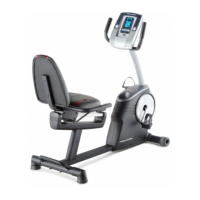


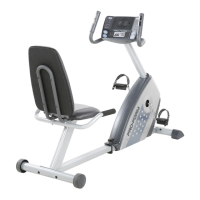
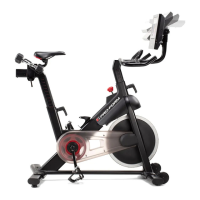

 To Next Page