EasyManua.ls Logo

Pro-Form 515 Tx Treadmill - User Manual

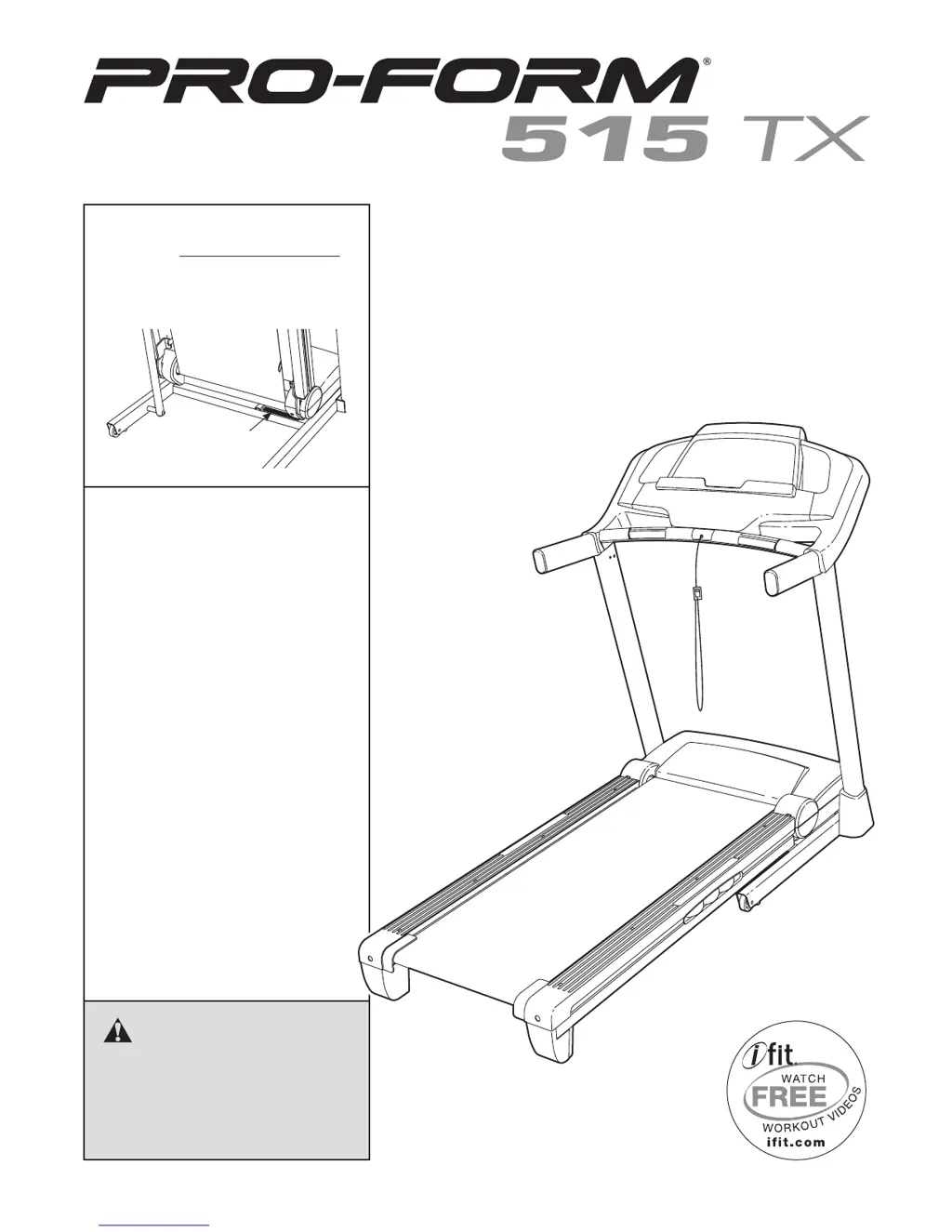
Pro-Form 515 Tx Treadmill
32 pages
Print Icon
To Next Page IconTo Next Page
Loading...
Serial Number
Decal
Model No. PFTL59011.0
Serial No.
Write the serial number in the space
above for reference.
CAUTION
Read all precautions and instruc-
tions in this manual before using
this equipment. Save this manual
for future reference.
QUESTIONS?
If you have questions, or if parts
are damaged or missing, DO NOT
CONTACT THE STORE; please
contact Customer Care.
IMPORTANT: Please register this
product (see the limited warranty
on the back cover of this manual)
before contacting Customer Care.
CALL TOLL-FREE:
1-888-533-1333
Mon.–Fri. 6 a.m.–6 p.m. MT
Sat. 8 a.m.–4 p.m. MT
ON THE WEB:
www.proformservice.com
USER’S MANUAL
www.proform.com

Questions and Answers

  • C
    Christopher BradyJul 31, 2025
    How to fix Pro-Form 515 Tx when power does not turn on?
    • G
      gchenJul 31, 2025
      If your Pro-Form Treadmill isn't powering on, ensure the power cord is securely plugged into both a surge suppressor and a properly grounded outlet. Also, verify that the key is correctly inserted into the console. Finally, check the power switch on the treadmill frame near the power cord; if it's tripped (protruding), wait five minutes, then press it back in to reset.
  • P
    Paul WadeAug 8, 2025
    What to do if Pro-Form Treadmill turns off during use?
    • T
      terri81Aug 8, 2025
      If your Pro-Form Treadmill shuts off while you're using it, first check the power switch. Ensure the power cord is properly plugged in; if it is, unplug it, wait five minutes, and then plug it back in. Also, try removing and reinserting the key from the console. If it still won't run, please see the front cover of this manual.
  • K
    Kathy MaxwellAug 15, 2025
    What to do if incline of Pro-Form 515 Tx does not change correctly?
    • K
      kleeAug 15, 2025
      If the incline on your Pro-Form Treadmill isn't changing correctly, hold down the Stop button and the Speed increase button simultaneously. Then, insert the key into the console, and release both buttons. Next, press the Stop button, and then press either the Incline increase or decrease button.
  • E
    erinharrisAug 22, 2025
    How to fix Pro-Form 515 Tx Treadmill walking belt slowing down when walked on?
    • A
      Ashley JonesAug 22, 2025
      If the walking belt on your Pro-Form Treadmill slows down when you walk on it, it might be overtightened, which can decrease performance and damage the belt. To fix this, remove the key and unplug the power cord. Then, use a hex key to turn both idler roller screws counterclockwise 1/4 of a turn. Next, locate the Reed Switch and the Magnet plug in the power cord, insert the key, and run the treadmill for a few minutes. Repeat until the walking belt is properly tightened.

Summary

Warning Decal Placement

Important Precautions

General Safety and Usage Guidelines

Covers user health, environment, usage limits, clothing, footwear, and electrical connection safety.

Electrical Safety and Operational Rules

Details surge suppressor requirements, power cord safety, and operational rules like speed adjustment.

Assembly

Base and Upright Assembly

Instructions for attaching base feet, wheels, base caps, and uprights to the treadmill base.

Handrail and Console Installation

Steps for attaching handrails, crossbar, and console assembly to the uprights.

Final Frame and Latch Assembly

Procedures for raising the frame, attaching the storage latch, and final tightening of parts.

Operation and Adjustment

Connecting the Power Cord

Details on using surge suppressors and proper grounding for the power cord connection.

Manual Mode Operation

Step-by-step guide on turning on the treadmill, using manual mode, and adjusting speed/incline.

Troubleshooting

Exercise Guidelines

Ordering Replacement Parts

Limited Warranty

Pro-Form 515 Tx Treadmill Specifications

General IconGeneral
Running Area20" x 55"
Weight Capacity300 lbs
Incline0 – 10% Quick Incline™ Control
Speed0 – 10 MPH QuickSpeed™ Control
Speed Range0-10 mph
Incline Range0 – 10%
Motor Power2.5 CHP Mach Z™ Motor
Motor2.5 CHP Mach Z™ Motor

Related product manuals