9
HOW TO USE THE ELLIPTICAL EXERCISER
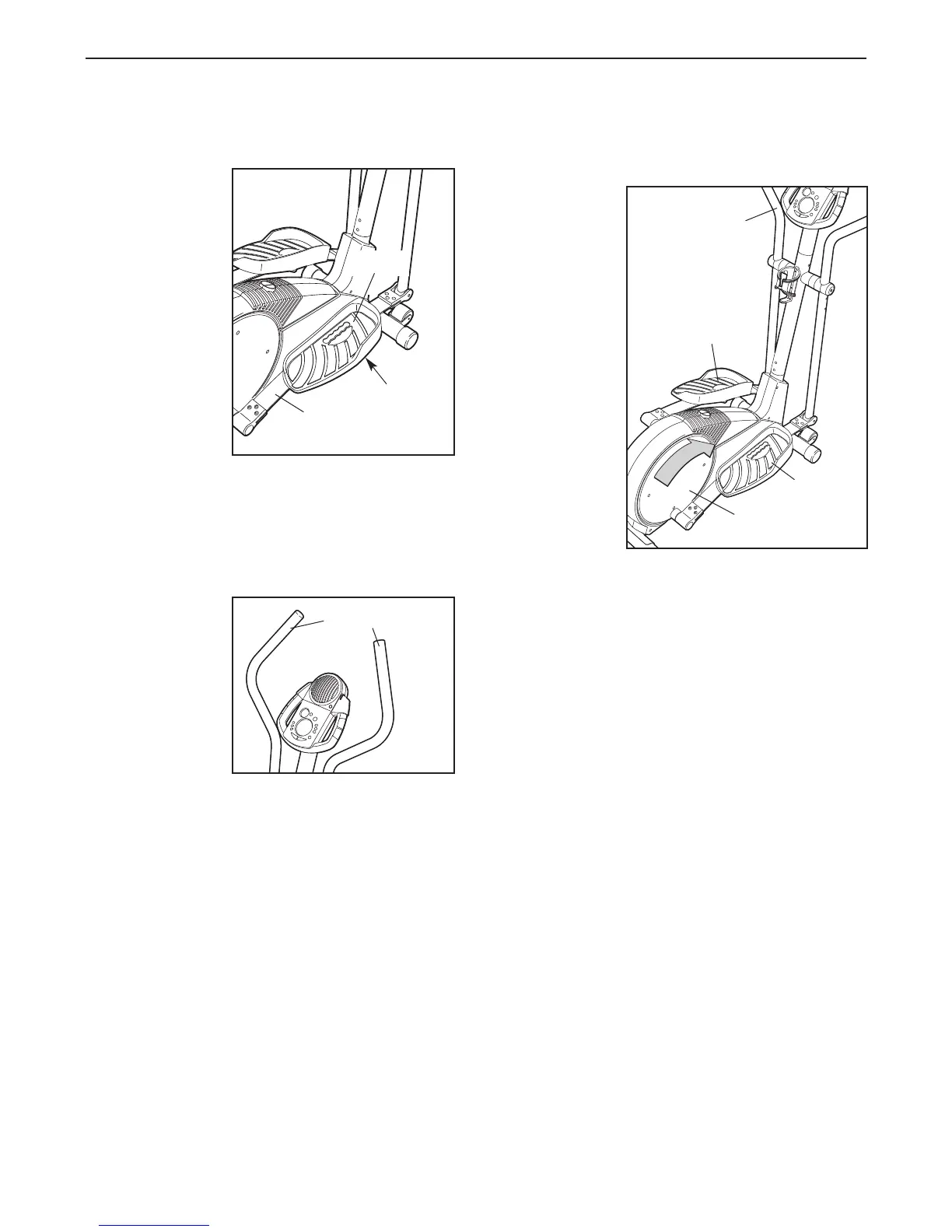
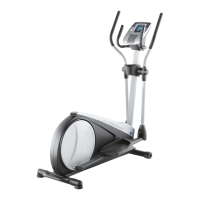
HOW TO ADJUST THE PEDALS
The motion of
the elliptical
exerciser is
determined by
the positions of
the pedals. To
adjust each
pedal, first
remove the
pedal knob
beneath the
pedal. Slide the
pedal forward or
backward, and
then reattach the
pedal using one
of the five holes
in the pedal and one of the three holes in the pedal
spring. Make sure that both pedals are in the same
position.
HOW TO USE THE HANDLEBARS
The handlebars
are designed to
add upper-body
exercise to your
workouts. As you
exercise, push
and pull the han-
dlebars to work
your arms, shoul-
ders, and back.
HOW TO EXERCISE ON THE ELLIPTICAL
EXERCISER
To mount the
elliptical exer
-
ciser, hold the
handlebars and
step onto the
pedal that is in
the lowest posi-
tion. Then, step
onto the other
pedal. Push the
pedals until
they begin to
move with a
continuous
motion.
Note:
The pedal
disks can turn
in either direc-
tion. It is rec-
ommended
that you move
the pedal disks in the direction shown by the
arrow; however, for variety, you may turn the pedal
disks in the opposite direction.
To dismount the elliptical exerciser, wait until the ped-
als come to a complete stop. Note: The elliptical
exerciser does not have a free wheel; the pedals
will continue to move until the flywheel stops.
When the pedals are stationary, step off the highest
pedal first. Then, step off the lowest pedal.
Pedal
Pedal
Pedal Disk
Handlebar
Handlebars
Pedal
Knob
Pedal
Spring
Pedal




 To Next Page