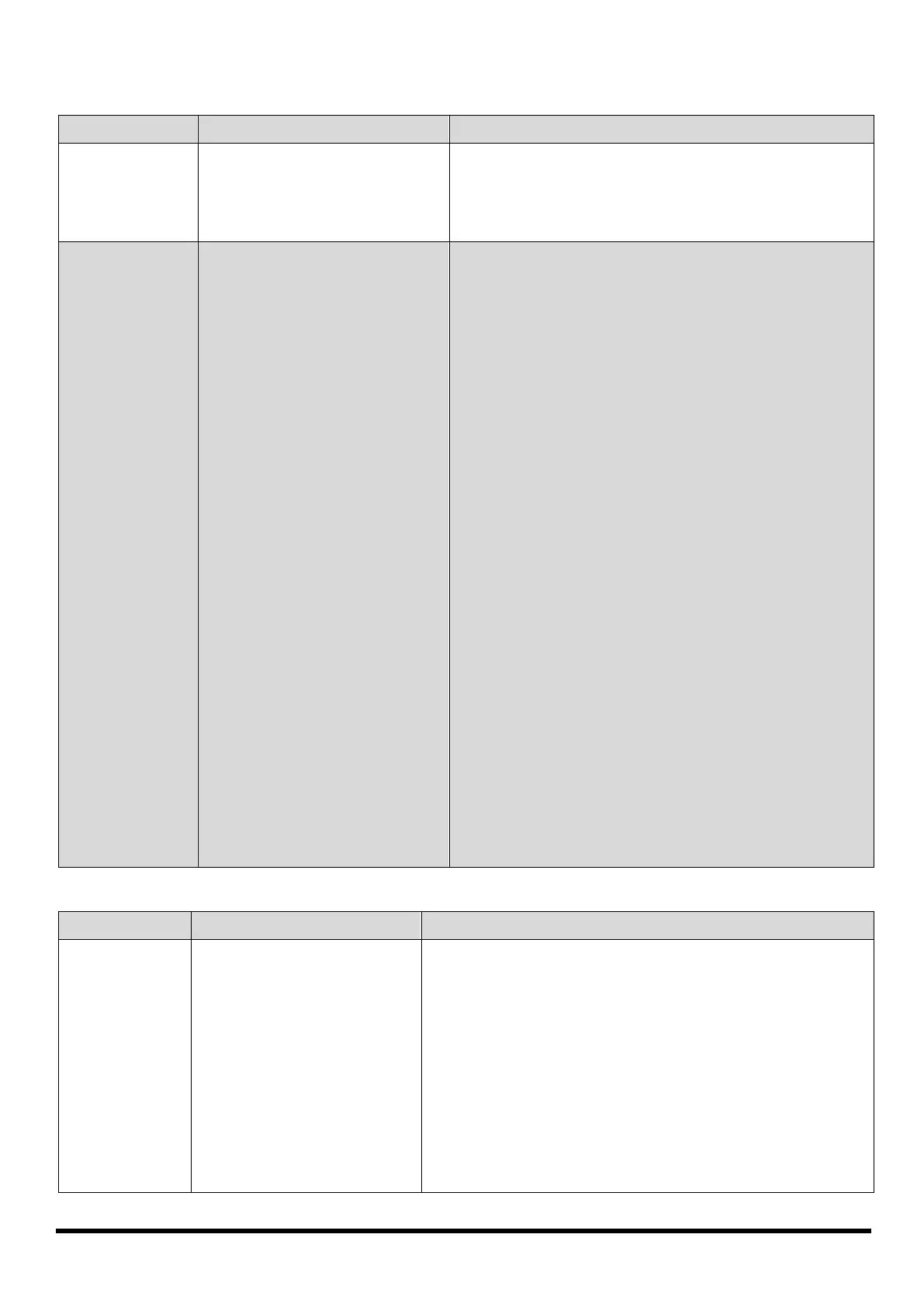
8619470 145A MULTI-PROCESS MIG-ARC-TIG WELDER V1.0
32 For technical questions call 1-800-665-8685
MIG WIRE FEED
TIG WELDING
No wire feed 1. Wrong mode selected.
2. Wrong torch selector
switch.
1. Check that the TIG/ARC/MIG selector switch set
to MIG position.
2. Check that the standard/spoolgun selector switch
is set to standard position for MIG welding and
spoolgun when using the spoolgun.
Inconsistent /
interrupted wire
feed
1. Adjusting wrong dial.
2. Wrong polarity selected.
3. Incorrect wire speed
setting.
4. Voltage setting incorrect.
5. MIG torch lead too long.
6. MIG torch lead kinked or
too sharp angle being held.
7. Contact tip worn, wrong
size, wrong type.
8. Liner worn or clogged (the
most common causes of
bad feeding).
9. Wrong size liner.
10. Blocked or worn inlet
guide tube.
11. Wire misaligned in drive
roller groove.
12. Incorrect drive roller size.
13. Wrong type of drive roller
selected.
14. Worn drive rollers.
15. Drive roller pressure too
high.
16. Too much tension on wire
spool hub.
17. Wire crossed over on the
spool or tangled.
18. Contaminated MIG wire.
1. Be sure to adjust the WIRE FEED and VOLTAGE
dials for MIG welding. The AMPERAGE dial is for
STICK and TIG welding mode.
2. Select the correct polarity for the wire used - see
Installation & Operation For MIG With Gas or
Installation & Operation For Gasless MIG.
3. Adjust the wire feed speed.
4. Adjust the voltage setting.
5. Small diameter wires and soft wires like aluminum
don’t feed well through long torch leads - replace
the torch with a lesser length torch.
6. Remove the kink, reduce the angle or bend.
7. Replace the tip with correct size and type.
8. Try to clear the liner by blowing out with
compressed air as a temporary cure, it is
recommended to replace the liner.
9. Install the correct size liner.
10. Clear or replace the inlet guide tube.
11. Locate the wire into the groove of the drive roller.
12. Fit the correct size drive roller eg; 0.030 in. wire
requires 0.030 in. drive roller.
13. Fit the correct type roller (e.g. knurled rollers
needed for flux cored wires).
14. Replace the drive rollers.
15. Can flatten the wire electrode causing it to lodge
in the contact tip - reduce the drive roller
pressure.
16. Reduce the spool hub brake tension.
17. Remove the spool untangle the wire or replace
the wire.
18. Use clean dry rust free wire. Do not lubricate the
wire with oil, grease etc.
PROBLEM(S) POSSIBLE CAUSE(S) SUGGESTED SOLUTION(S)
Tungsten
burning away
quickly.
1. Incorrect Gas.
2. No gas.
3. Inadequate gas flow.
4. Back cap not fitted
correctly.
5. Torch connected to DC+.
6. Incorrect tungsten being
used.
7. Tungsten oxidized after
weld is finished.
1. Check that pure Argon is being used.
2. Check that the gas cylinder contains gas is connected
and the torch gas valve is open.
3. Check the gas is connected, check hoses, gas valve and
torch are not restricted. Set the gas flow between
25 to 31 CFH flow rate.
4. Make sure the torch back cap is fitted so that the o-ring
is inside the torch body.
5. Connect the torch to the negative DC output terminal.
6. Check and change the tungsten type if necessary.
7. Keep shielding gas flowing 10 to 15 seconds after arc
stoppage. One second for each 10 amps of weld


 To Next Page