Access Control Lists (ACLs)
Configuring and Assigning an ACL
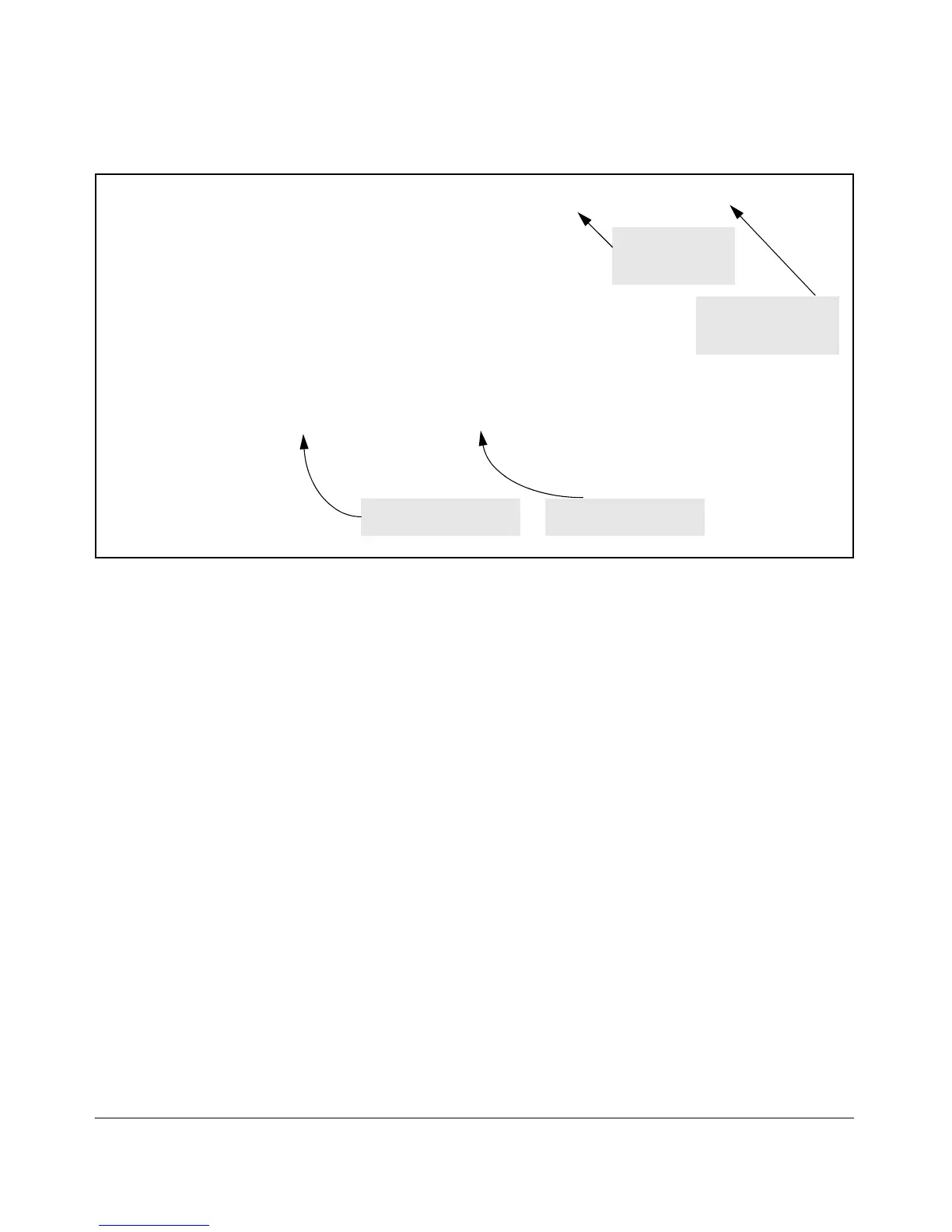
ProCurve (config)# ip access-list extended 150
ProCurve (config-ext-nacl)# permit tcp host 10.10.20.200 10.10.10.1/24 eq
Command Entry for
Source IP Address
and Mask
telnet
ProCurve (config-ext-nacl)# exit
ProCurve (config)# write mem
ProCurve (config)# interface 12 access-group 150 in
ProCurve (config)# show config
Startup configuration:
Command Entry for
Destination IP Address
; J9085A Configuration Editor; Created on release #R.11.XX
and Mask
hostname "ProCurve Switch 2610-24"
ip access-list extended "150"
permit tcp 10.10.20.100 0.0.0.0 10.10.10.1 0.0.0.255 eq 23
exit
snmp-server community "public" Unrestricted
.
.
.
Configured Destination IP
Address and Mask
Configured Source IP
Address and Mask
Figure 9-17. Using the “Named ACL” Context To Configure an ACL
Enabling or Disabling ACL Filtering on an Interface
You can configure one ACL to filter inbound traffic on multiple interfaces. For
limits and operating rules, refer to “ACL Configuration and Operating Rules”
on page 9-24.
Syntax: [no] interface < port-list > ip access-group < ascii-string > in
where: < ascii-string > = either a ACL name or an ACL ID number.
Assigns an ACL to a physical interface, which can be any
combination of ports and/or trunks that do not already have
an ACL assignment. You can use either the global
configuration level or the interface context level to assign
an ACL to an interface or remove an ACL from an interface.
9-52


 To Next Page