Access Control Lists (ACLs)
Deleting an ACL from the Switch
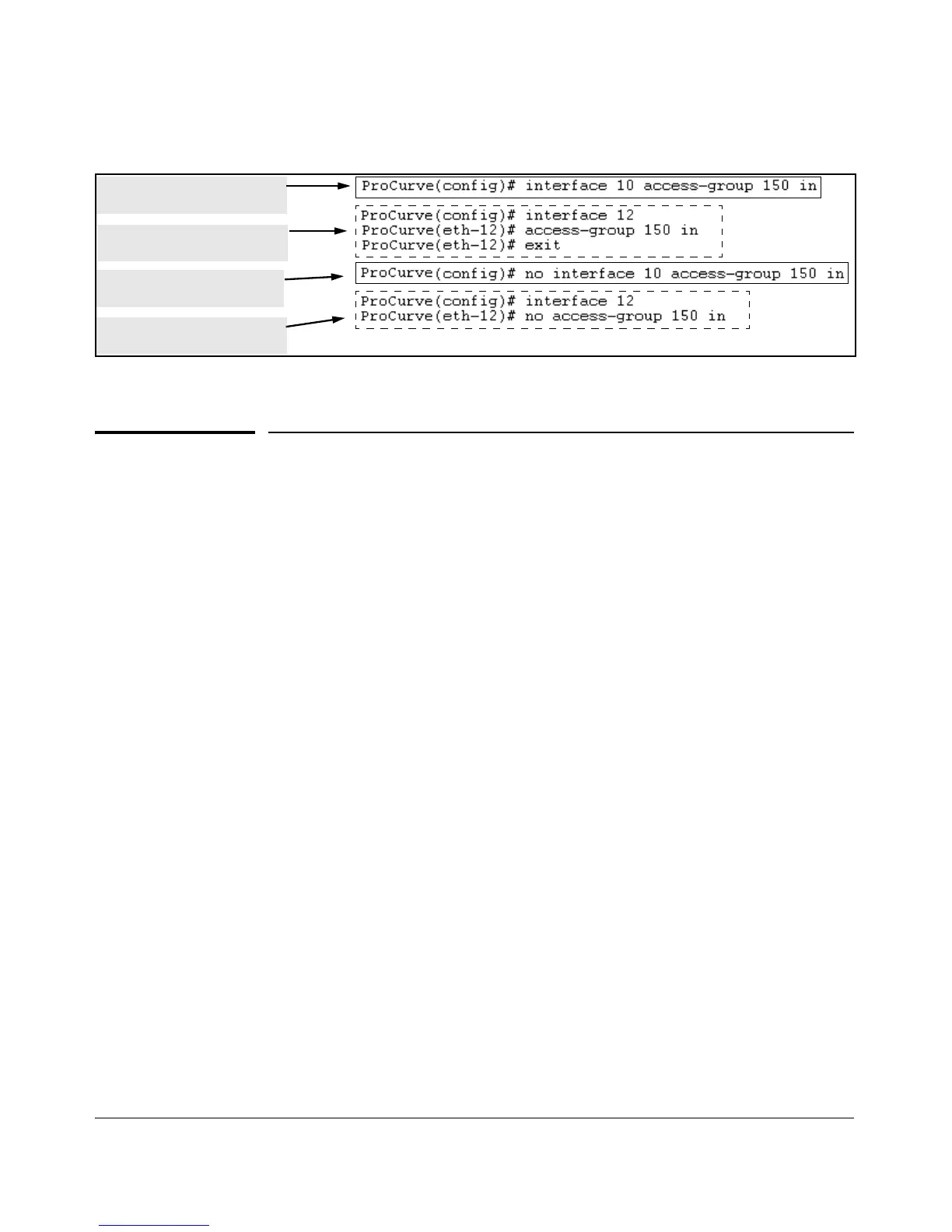
Enabling an ACL from the Global
Configuration Level
Enabling an ACL from a
interface Context.
Disabling an ACL from the
Global Configuration Level
Disabling an ACL from an
Interface Context.
Figure 9-18. Methods for Enabling and Disabling ACLs
Deleting an ACL from the Switch
Syntax: no ip access-list standard < name-str | 1-99 >
no ip access-list extended < name-str | 100-199 >
Removes the specified ACL from the switch’s running-
config file.
Note: You cannot delete an ACL from the switch while the
ACL is assigned to any interfaces. Thus, before deleting an
ACL from the switch, remove all assignments of the ACL to
specific interfaces. If you need to delete an ACL
assignment, refer to “Enabling or Disabling ACL Filtering
on an Interface” on page 9-52.
9-53



 To Next Page