Configuring and Monitoring Port Security
MAC Lockdown
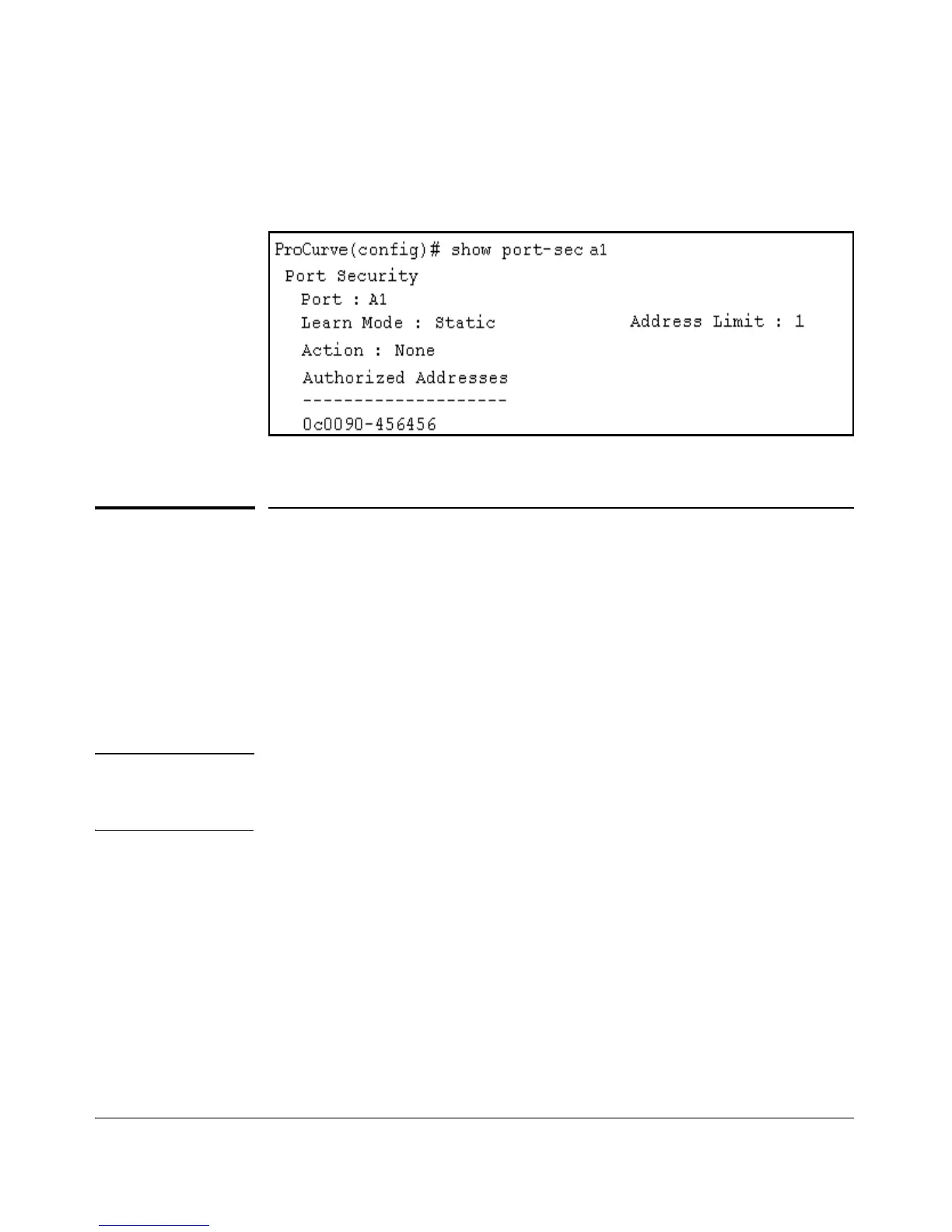
The above command sequence results in the following configuration for port
A1:
Figure 12-8. Example of Port A1 After Removing One MAC Address
MAC Lockdown
MAC Lockdown, also known as “static addressing,” is the permanent assign-
ment of a given MAC address (and VLAN, or Virtual Local Area Network) to
a specific port on the switch. MAC Lockdown is used to prevent station
movement and MAC address hijacking. It also controls address learning on
the switch. When configured, the MAC Address can only be used on the
assigned port and the client device will only be allowed on the assigned VLAN.
Note Port security and MAC Lockdown are mutually exclusive on a given port. You
can either use port security or MAC Lockdown, but never both at the same
time on the same port.
Syntax: [no] static-mac < mac-addr > vlan < vid > interface < port-number >
You will need to enter a separate command for each MAC/VLAN pair you wish
to lock down. If you do not specify a VLAN ID (VID) the switch inserts a VID
of “1”.
12-17



 To Next Page