OB7 Collaborative Robot User Manual Version 0.6
Instructional Documents / 117
INSTRUCTIONAL
DOCUMENTS
OB7 SOFTWARE UPDATE INSTRUCTIONS
Updating the robot control
system. Please do not turn
off the robot.
INSTRUCTIONAL DOCUMENTS
To Install the soware update on your OB7 robot, follow these steps:
1. Download the soware update and copy it onto a USB ash drive. This should be the only le
on the ash drive and it should be a 2 gig or larger drive.
2. Insert the USB ash drive into any free USB port on the OB7 computer.
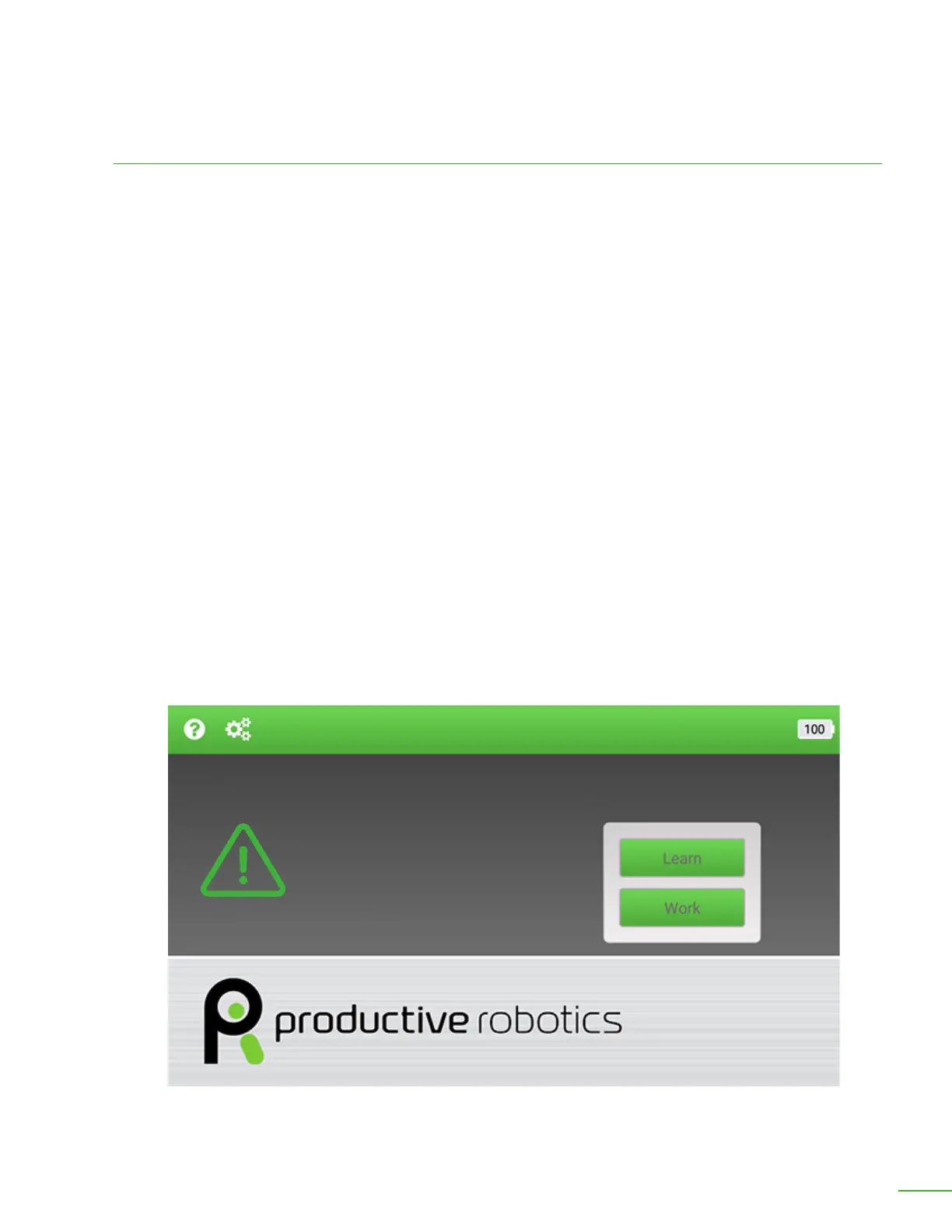
3. Tap the help icon in the upper le corner of the tablet (Circle with the question mark inside).
4. Tap “Diagnostics”.
5. Tap “Update System”.
6. Home OB7. The “home” position is with the arm pointing straight up. Press and hold the
“Home” button until ob7 is pointing straight up.
7. When you are prompted, tap “OK” to return to the home screen and begin the update.
8. Wait for the update to complete. It will take several minutes.



 To Next Page