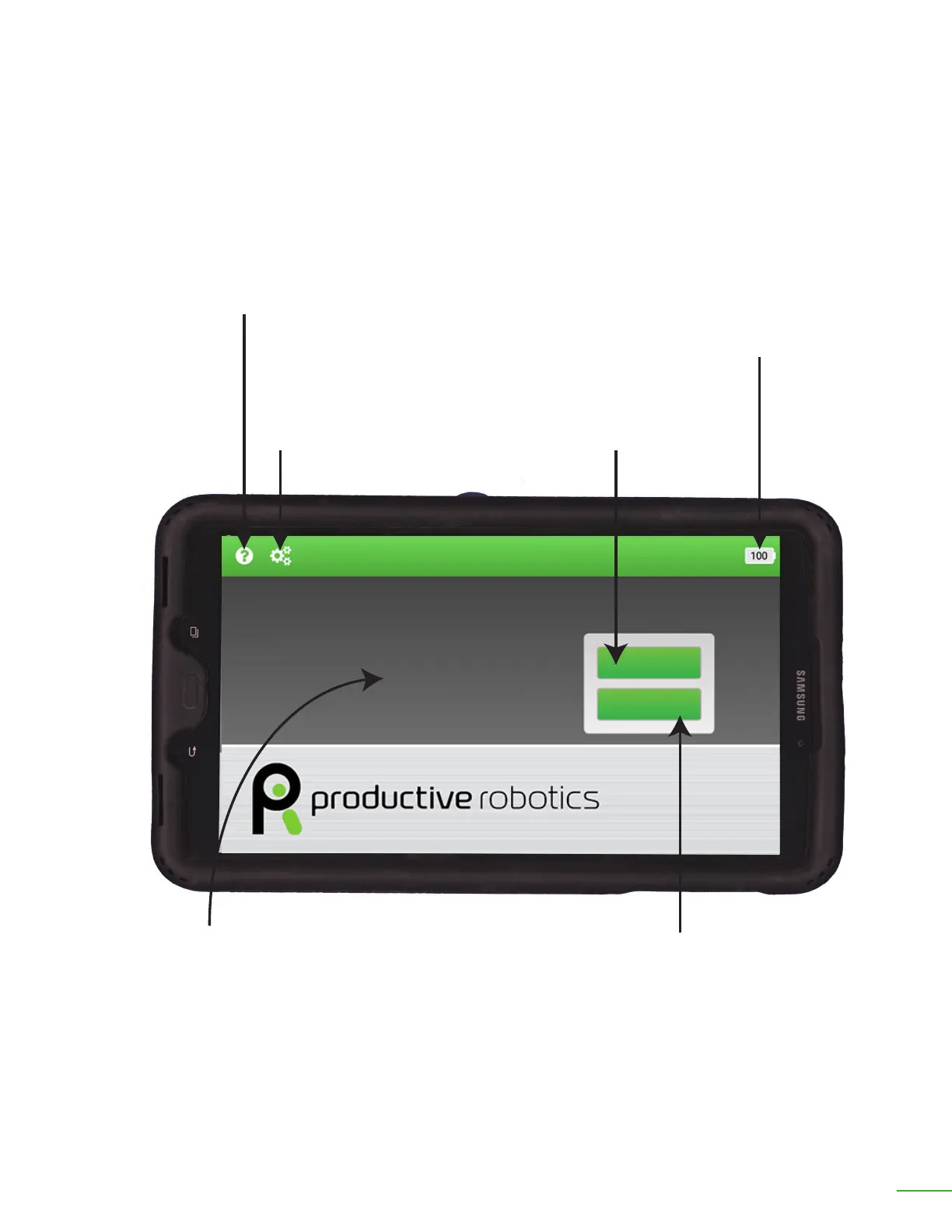
OB7 Tablet Home Screen
Battery:
This icon indicates the charge level of the battery.
When using the control tablet wired, this normally
should be at 100%.
When using the control tablet wirelessly, this icon
indicates when the tablet needs to be returned to
its dock for charging.
Settings:
Tap this icon to access
the settings and setup
information for OB7.
Help:
Tap this icon to access
the help instructions.
Learn:
Tap this icon to teach
OB7 a new job.
Work:
Tap this icon to start OB7
working on a job.
Messages appear here.
Learn
Work
OB7 Collaborative Robot User Manual Version 0.6
Getting Started With OB7 / 27



 To Next Page