Prodys S.L. Tel: +34 91 6896880 Fax: +34 91 6943777 Email: sales@prodys.net Web: www.prodys.com
Page 108
UPDATING THE FIRMWARE
To update the firmware of a Quantum unit follow these steps:
1. Make sure your Quantum and the computer to be used for the update are
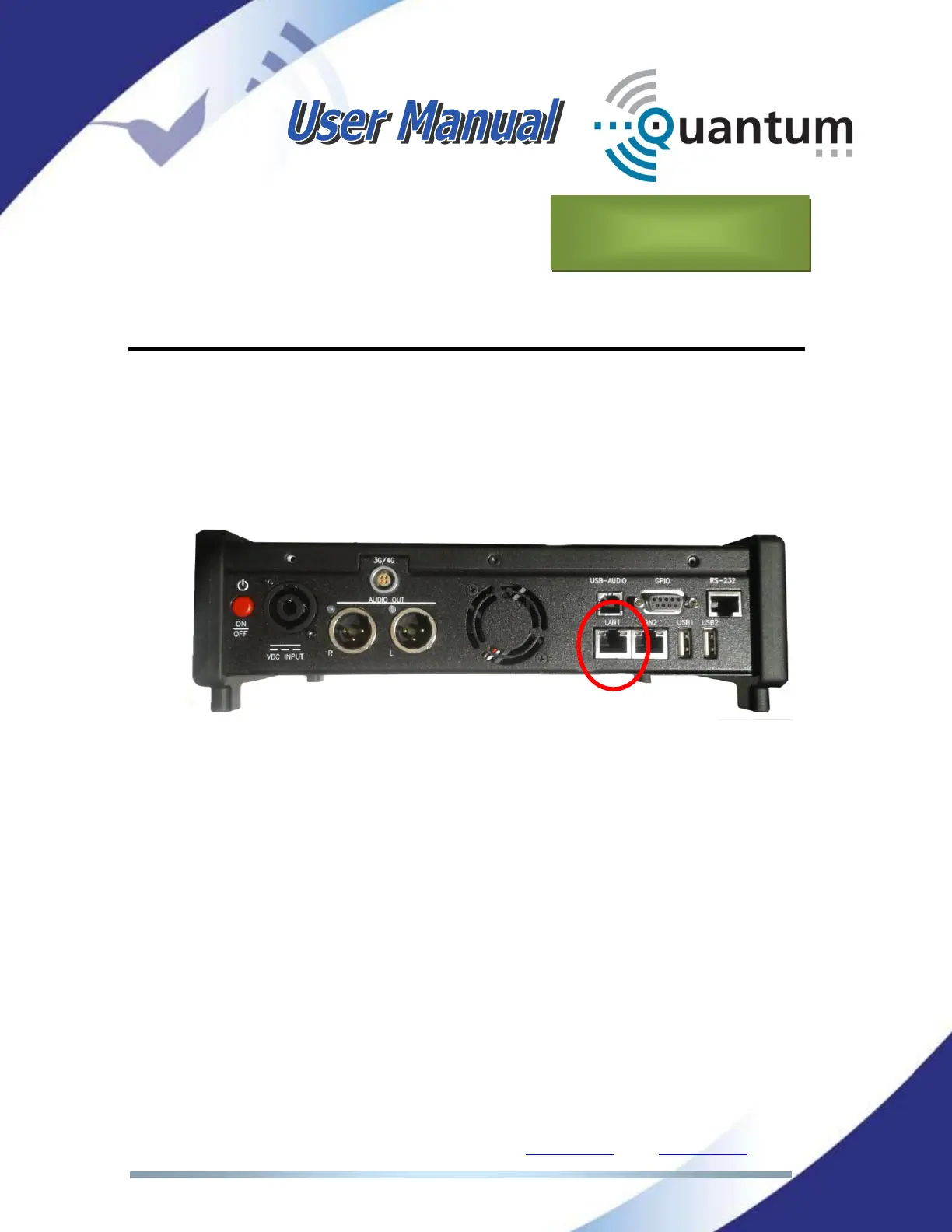
connected to the same LAN. Of the two Ethernet interfaces available in
Quantum, the update operation is always done through the labeled LAN1:
2. If you have not set up a LAN network, it is also possible to connect the
computer and the Quantum LAN1 port directly through a standard or
crossover CAT-5 cable. The Ethernet port on the computer automatically
adjusts to the type of cable.



 To Next Page