Prodys S.L. Tel: +34 91 6896880 Fax: +34 91 6943777 Email: sales@prodys.net Web: www.prodys.com
Page 79
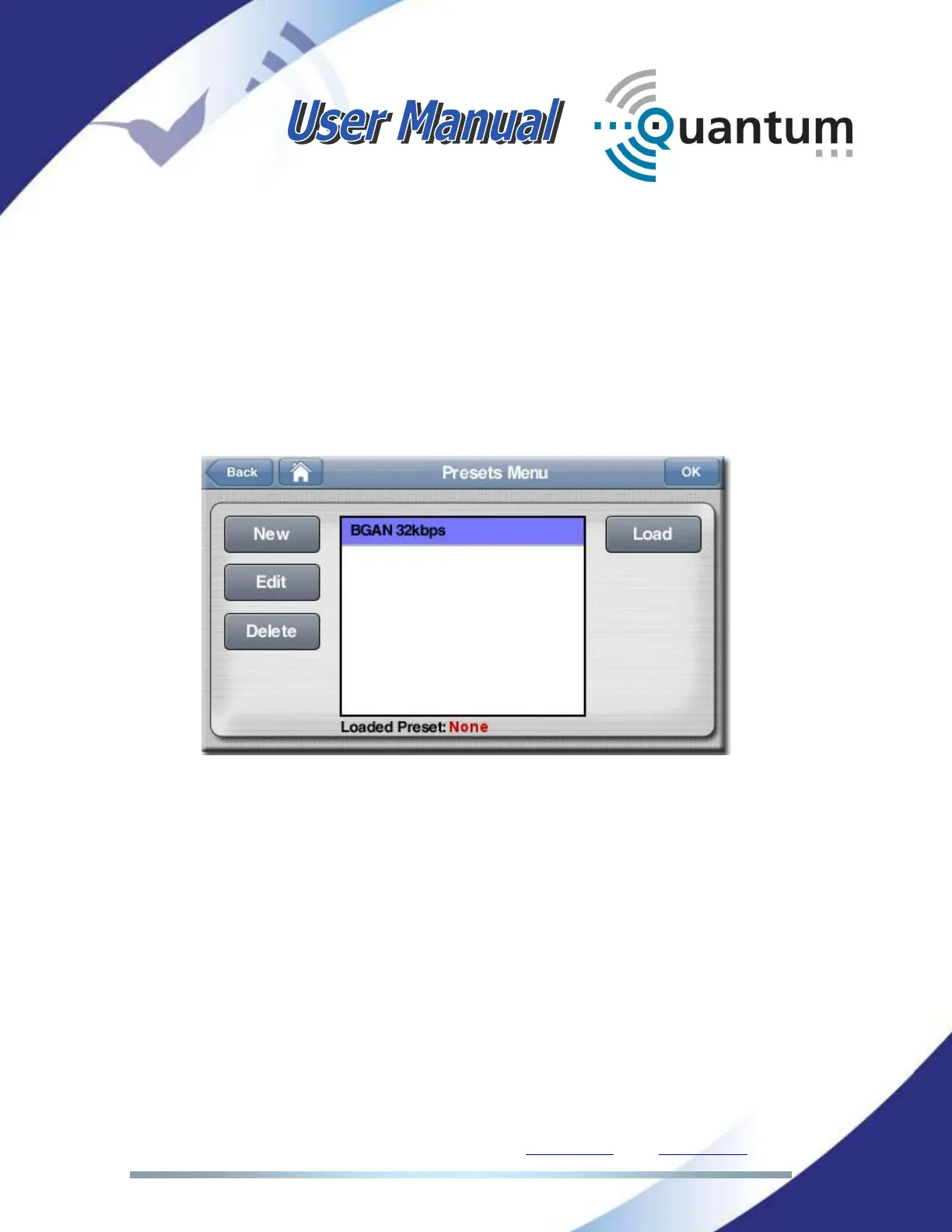
IV.3 Preset menu
From the main screen the <Presets> menu gives access for its administration.
Presets are customer configurations for the audio encoders which can be turned
active with a simple click.
Not only the encoder parameters can be configured; also streaming specific
parameters like 3G/4G or Ethernet, bit rate automatic adaption or FEC can be
defined in advance. For this reason, this is a very convenient configuration option
for non-technical users.
New
(Create a new preset)
Edit
(Edit an existing preset)
Delete
(Delete an existing preset)
Load
(Loading a preset means turning this configuration active)



 To Next Page