Prodys S.L. Tel: +34 91 6896880 Fax: +34 91 6943777 Email: sales@prodys.net Web: www.prodys.com
Page 33
IV.2.1 Audio options menu
As the different codecs of the Quantum family have very different audio
configurations, this menu is explained in the specific manual of each Quantum
codec:
“Quantum XL Hw and Reference Manual Rev x.x”
“Quantum W Hw and Reference Manual Rev x.x”
“Quantum ST Hw and Reference Manual Rev x.x”
“Quantum Lite Hw and Reference Manual Rev x.x”
“QLST Hw and Reference Manual Rev x.x”
“Quantum 3U Hw Manual Rev x.x”
IV.2.1.1. Streaming options menu
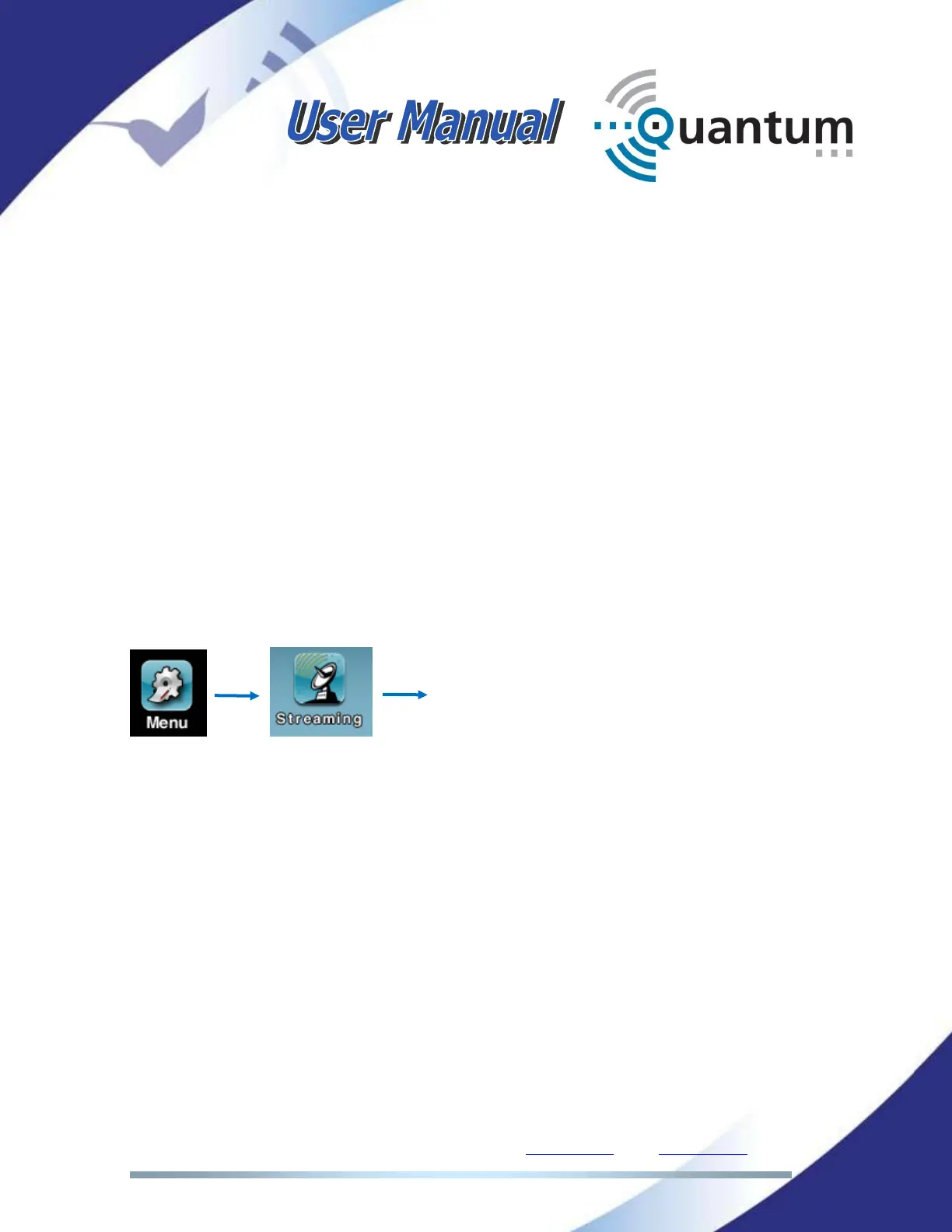
Click the following icons on the main menu to enter the streaming configuration
window:
The user switches the streaming network (3G/4G, Wi-Fi or Ethernet) through this
menu, as well as adapts some default parameters to specific network
circumstances.



 To Next Page