Prodys S.L. Tel: +34 91 6896880 Fax: +34 91 6943777 Email: sales@prodys.net Web: www.prodys.com
Page 65
IV.2.4 User options menu
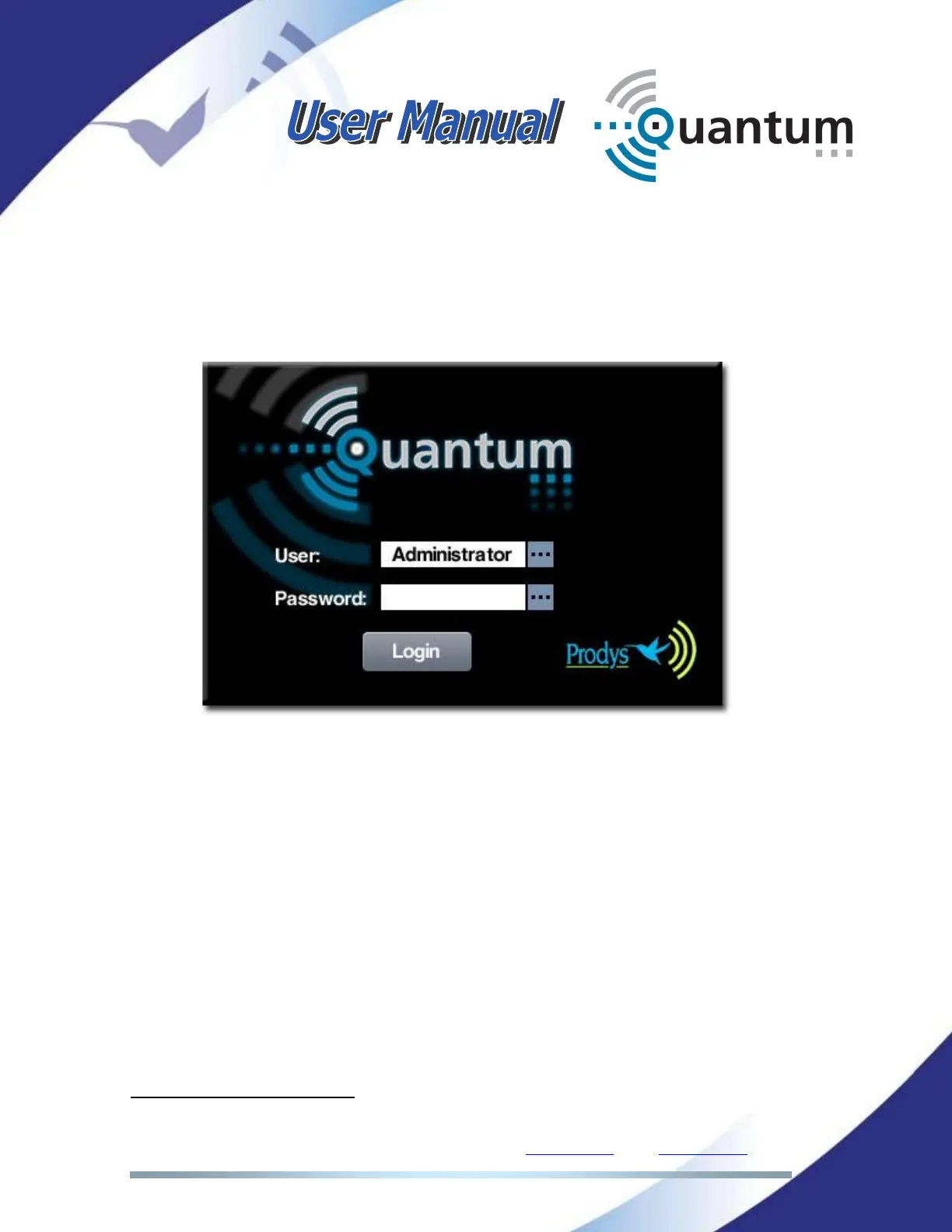
It is possible to establish different access levels to the codec defining different
users
10
. Each user consists of a name and a password that has to be used to log
into the codec web interface or the touch panel menu. Please take a look at the
picture below with the login window:
IV.2.4.1. Creating a new user
To create a new user click on the ‘New’ button and enter a name. Once the
name is entered and the OK button is clicked, the following options appear:
10
By default the user Admin is enabled without password or operation restrictions.



 To Next Page