Prodys S.L. Tel: +34 91 6896880 Fax: +34 91 6943777 Email: sales@prodys.net Web: www.prodys.com
Page 54
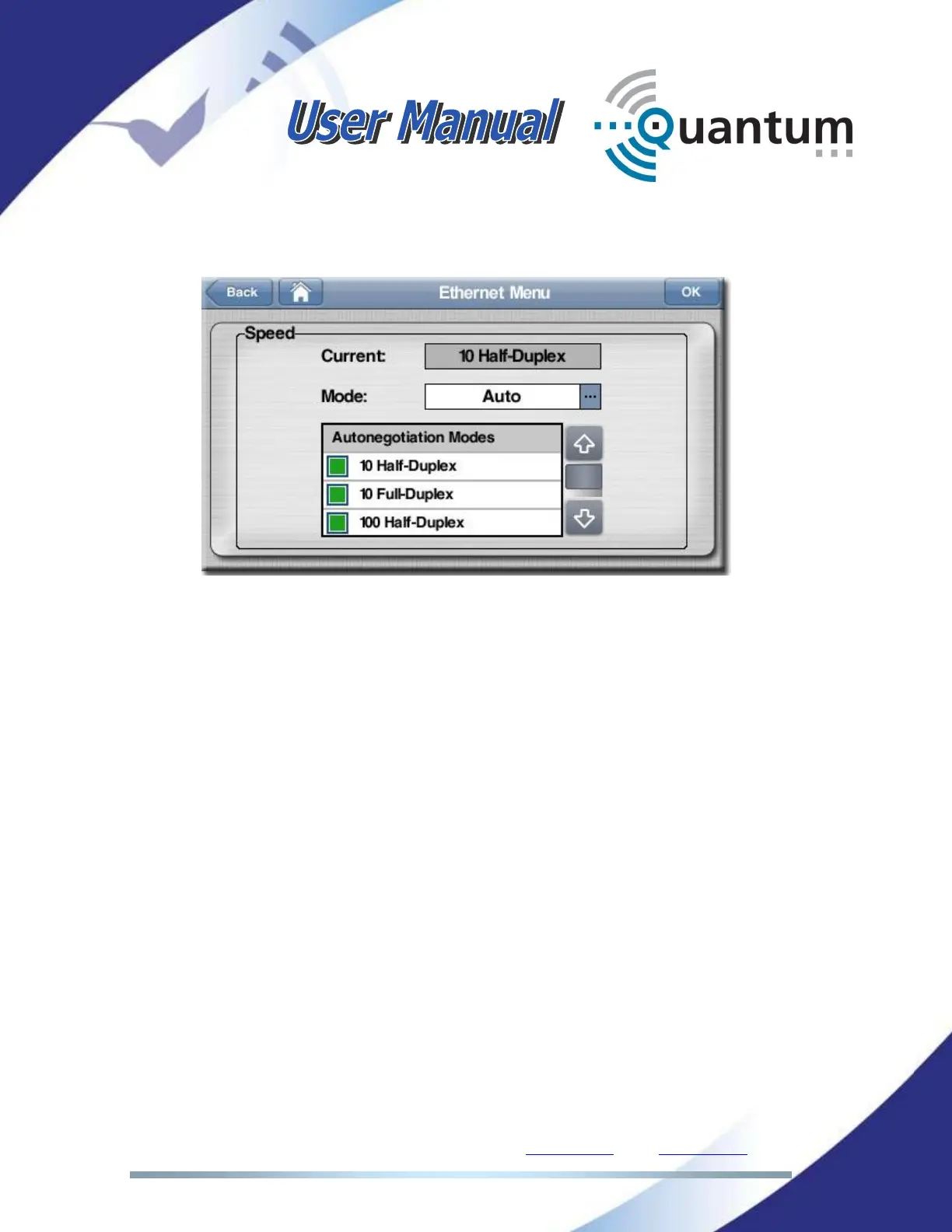
With the Ethernet menu it is possible to set speed and duplex configuration:
NOTE: When the unit is connected to a device which does not support
auto-negotiation, and it is set to work in a fixed mode, the Ethernet
interface must be configured to match the configuration of that device,
so ‘Auto’ should not be selected in this case.
At the top of the window, and in case the unit is set to ‘Auto’ mode, the ‘Current’
box will indicate what operation mode the unit has adopted after the negotiation.
IV.2.2.3. LAN2 configuration
IP address, IP mask, IP gateway, DNS and DHCP parameters are defined here.
This interface is restricted to the PROGRAM and TALKBACK streaming if this
LAN2 has been enabled; keeping just the web control access on LAN1.



 To Next Page