Prodys S.L. Tel: +34 91 6896880 Fax: +34 91 6943777 Email: sales@prodys.net Web: www.prodys.com
Page 111
4. Ensure that the PC is able to access the codec opening the control page
from the Internet Explorer by entering the LAN1 IP address in the address
bar.
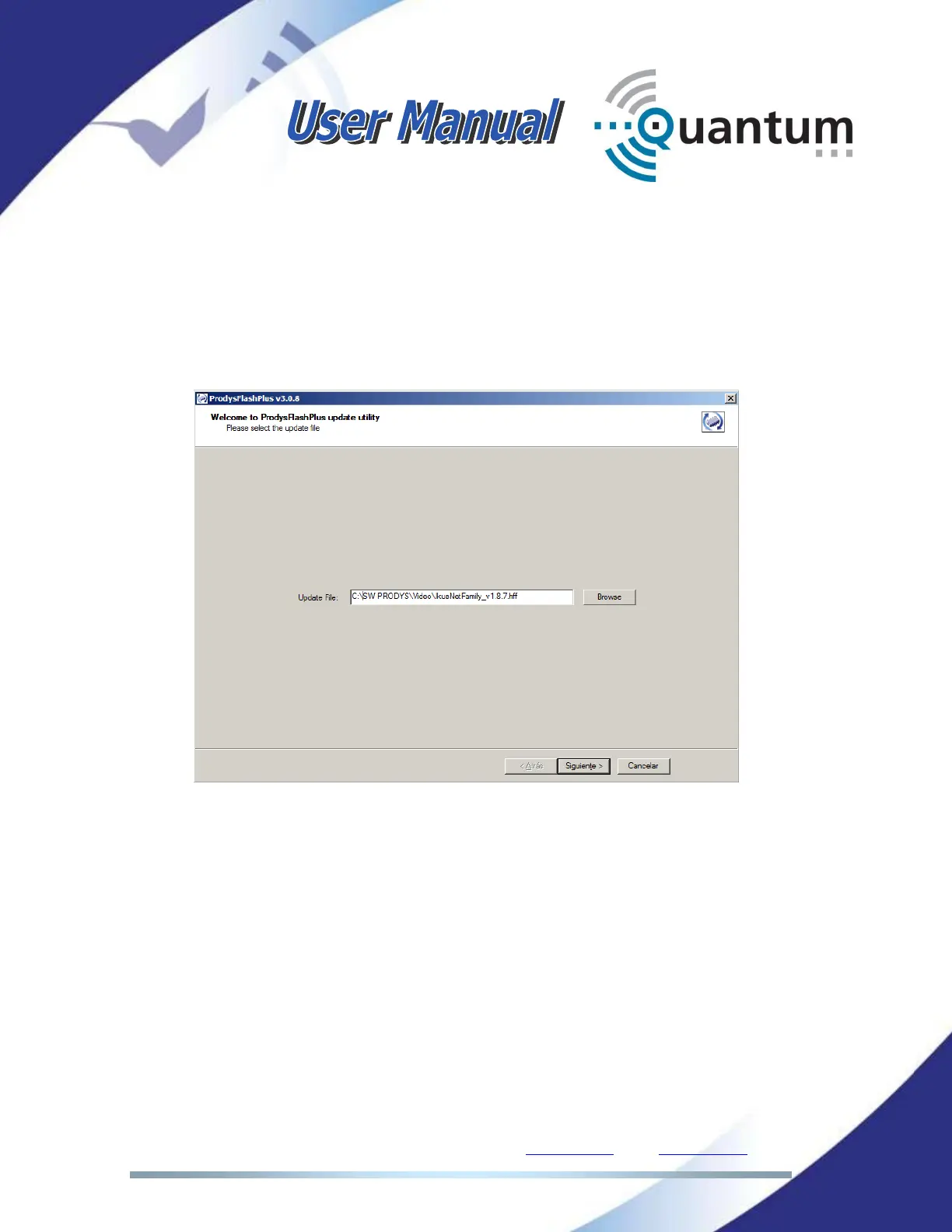
5. Start up the ProdysFlashPlus application.
6. Click on browse and select the file with the new firmware version.
7. All the units connected to the computer’s network will be detected
automatically. Look in the first column the IP address configured on the
unit’s LAN1. Select the codec checking the box. If you are upgrading more
than one codec, select all the boxes for the codecs you want to upgrade.



 To Next Page