Prodys S.L. Tel: +34 91 6896880 Fax: +34 91 6943777 Email: sales@prodys.net Web: www.prodys.com
Page 113
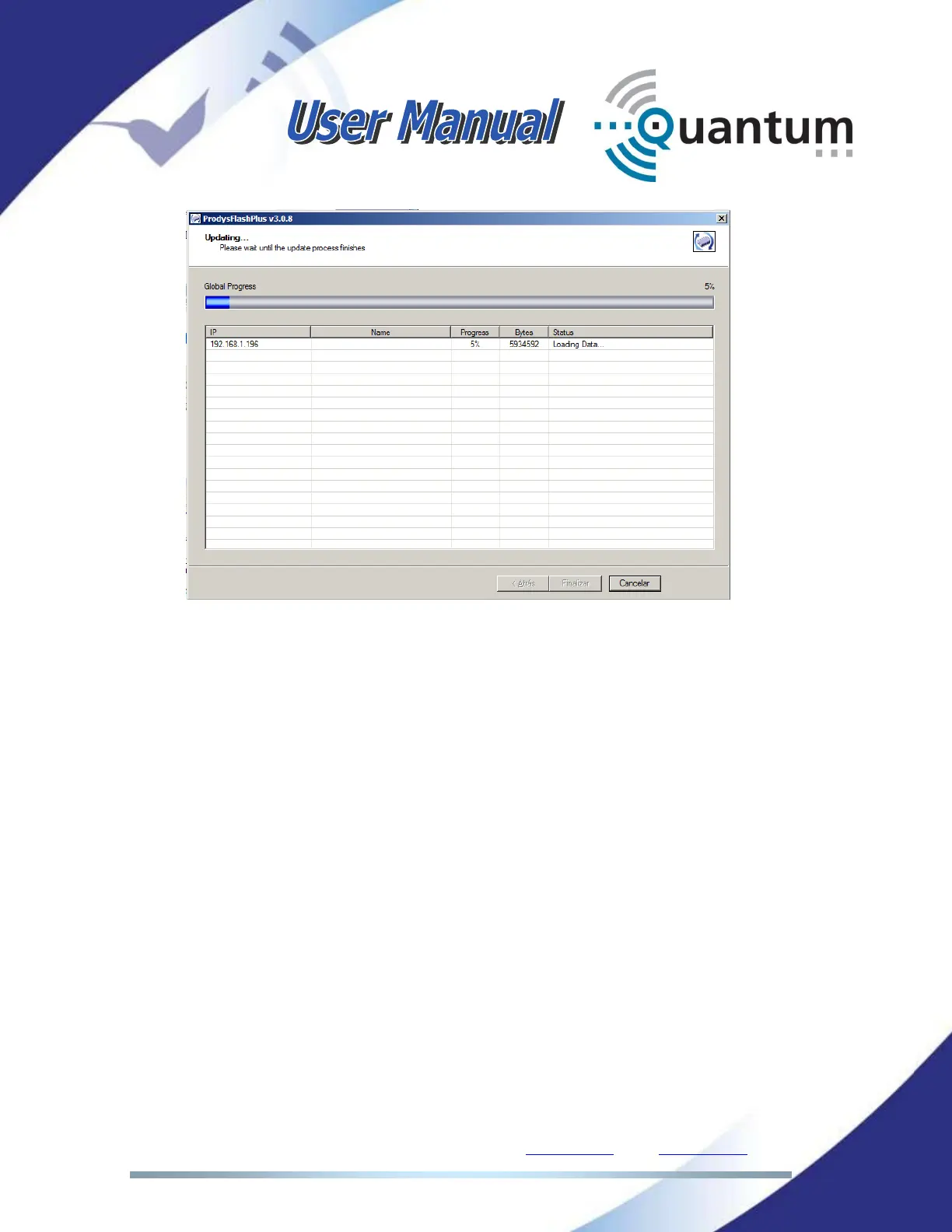
The update process will begin, the Flash will be erased and a progress bar
will tell you more info and alert you when it is finished.
You are able to abort the update process until the recording process
begins. At this point, the cancel button is disabled. In any case, even
if a power failure or a similar failure takes place, it is always possible to
return to start the recording process again.
If everything has gone correctly, at the end of the recording, you will
be shown the following message:



 To Next Page