Prodys S.L. Tel: +34 91 6896880 Fax: +34 91 6943777 Email: sales@prodys.net Web: www.prodys.com
Page 16
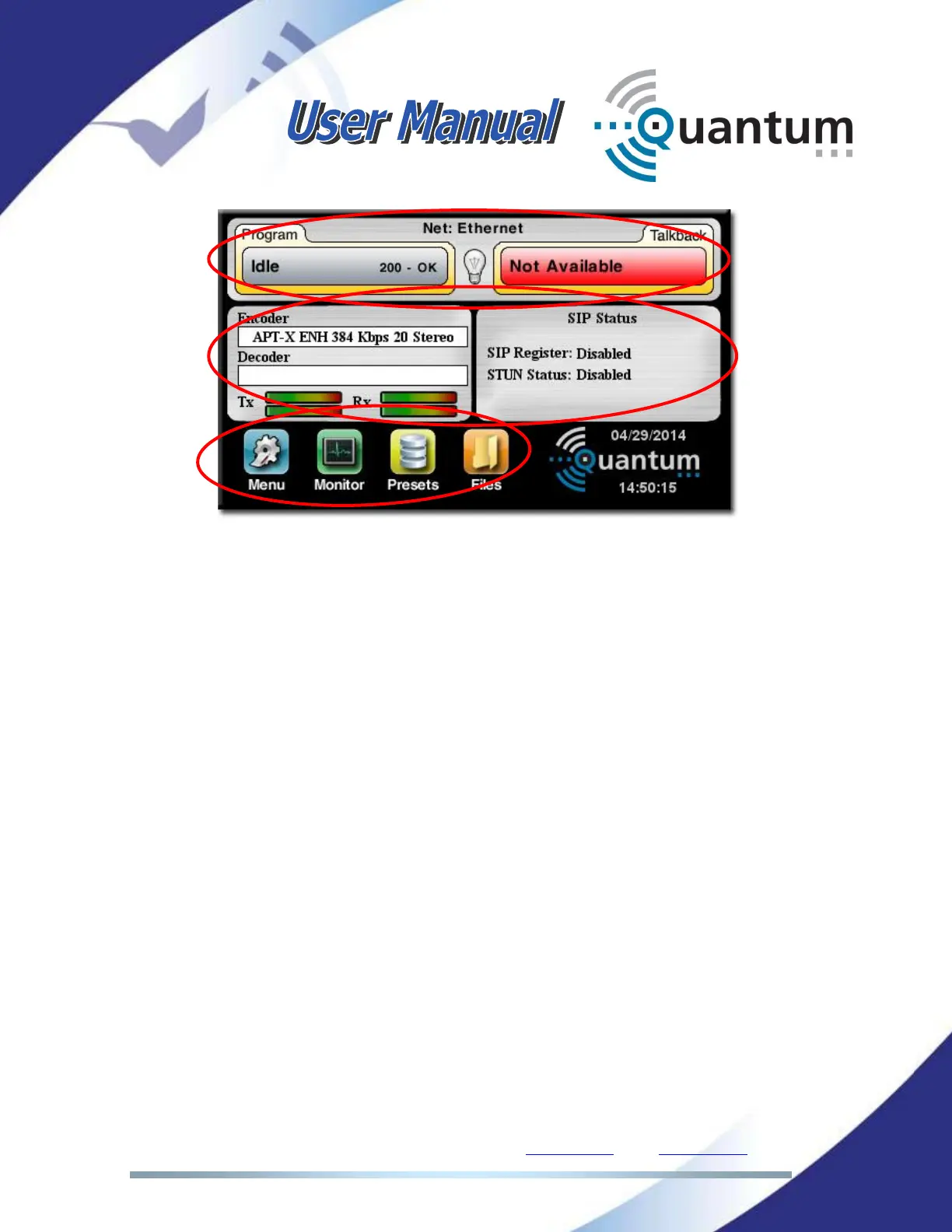
Quantum web page is arranged in three main areas:
General Configuration area.
Control area.
Monitor area.
III.4 Setting the IP parameters
We will split this chapter in two different types of interfaces: Wired (Ethernet)
and Wireless (3G/4G). Wi-Fi can also be used as a streaming interface but it will
be described in a different chapter.
III.4.1 Wired IP connection (Ethernet)
All Quantum units (except Quantum Lite) come equipped with two Ethernet
interfaces. Each Ethernet interface is fully TCP/UDP/IP standard, and can be
connected to any standard IP network, be it local or part of a wide area network,
such as the Internet.
First of all, the customer will have to set up all IP parameters. These settings will
depend on the network topology. The assistance from the IT personnel might be
necessary in some advanced networks.



 To Next Page