Prodys S.L. Tel: +34 91 6896880 Fax: +34 91 6943777 Email: sales@prodys.net Web: www.prodys.com
Page 57
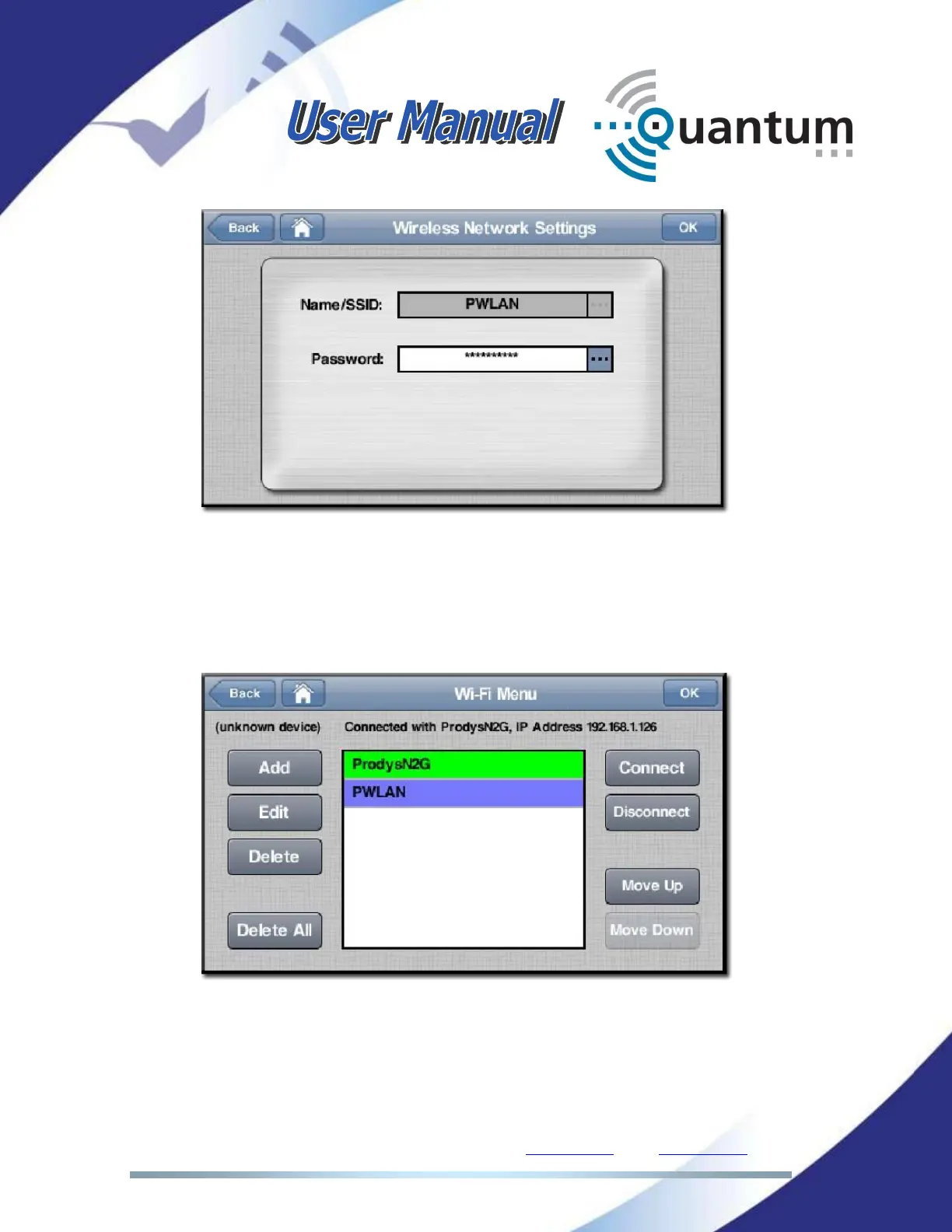
Once all networks in the list have been configured with their corresponding
security settings, in order for the unit to connect to any of those networks, the
user has to click on the desired network and press the Connect button. The
current Wi-Fi network in use will be shown on a green background colour, whilst
the selected Wi-Fi network will be shown on a purple background colour.
In the picture above, ProdysN2G is the current Wi-Fi network in use, whilst the
PWLAN network is currently selected by the user. By clicking on the Disconnect
button the user can disconnect the unit from the current Wi-Fi network.



 To Next Page