Prodys S.L. Tel: +34 91 6896880 Fax: +34 91 6943777 Email: sales@prodys.net Web: www.prodys.com
Page 75
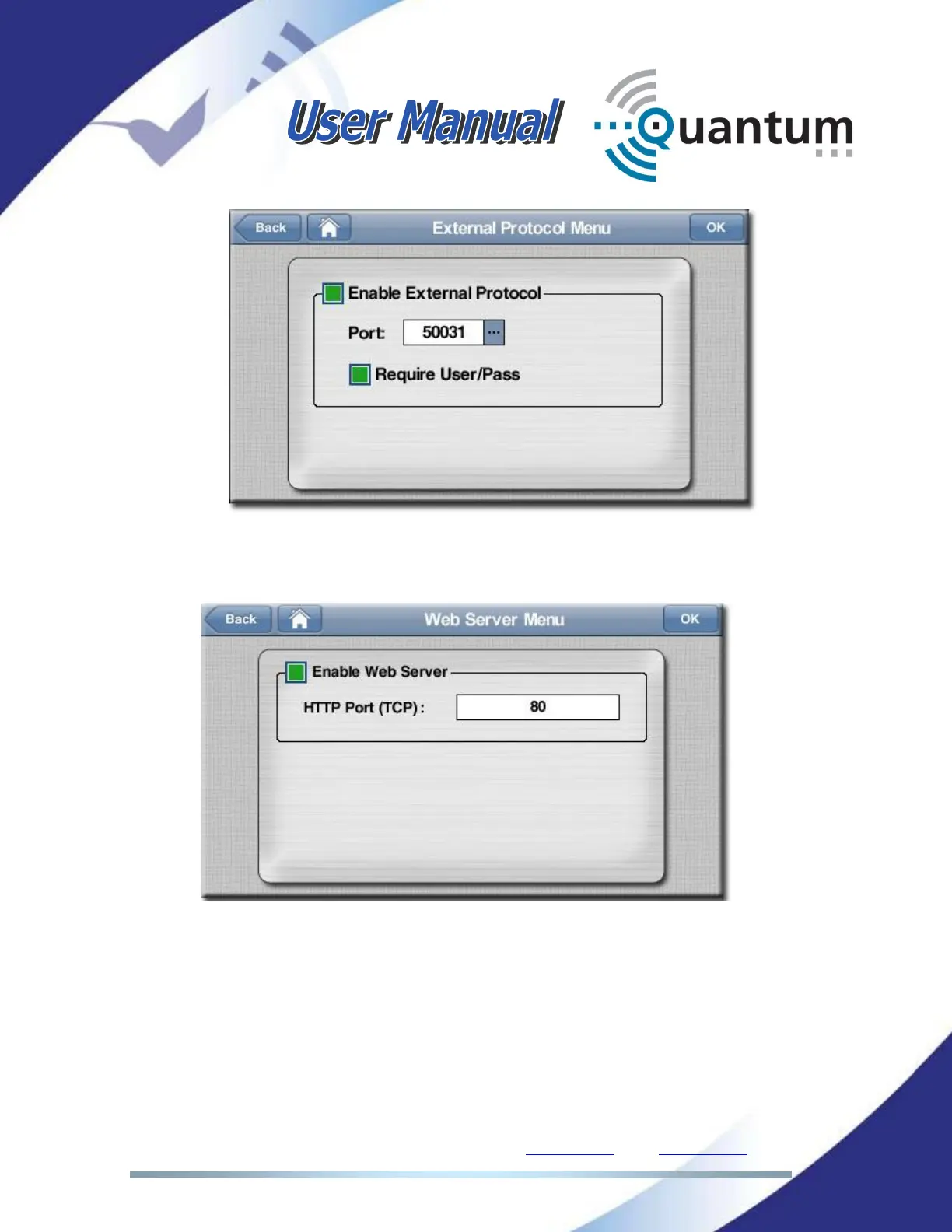
Web server: the web server can be deactivated to avoid remote control
of the codec. It is also possible to change the default port (80).
Fan: Permits enabling or disabling the fan of the unit. AUTO means that
the Fan will start working when the temperature surpasses a threshold.
This is the best configuration to preserve fan lifespan. It is also possible to
enable or disable the fan regardless of the temperature.



 To Next Page