10
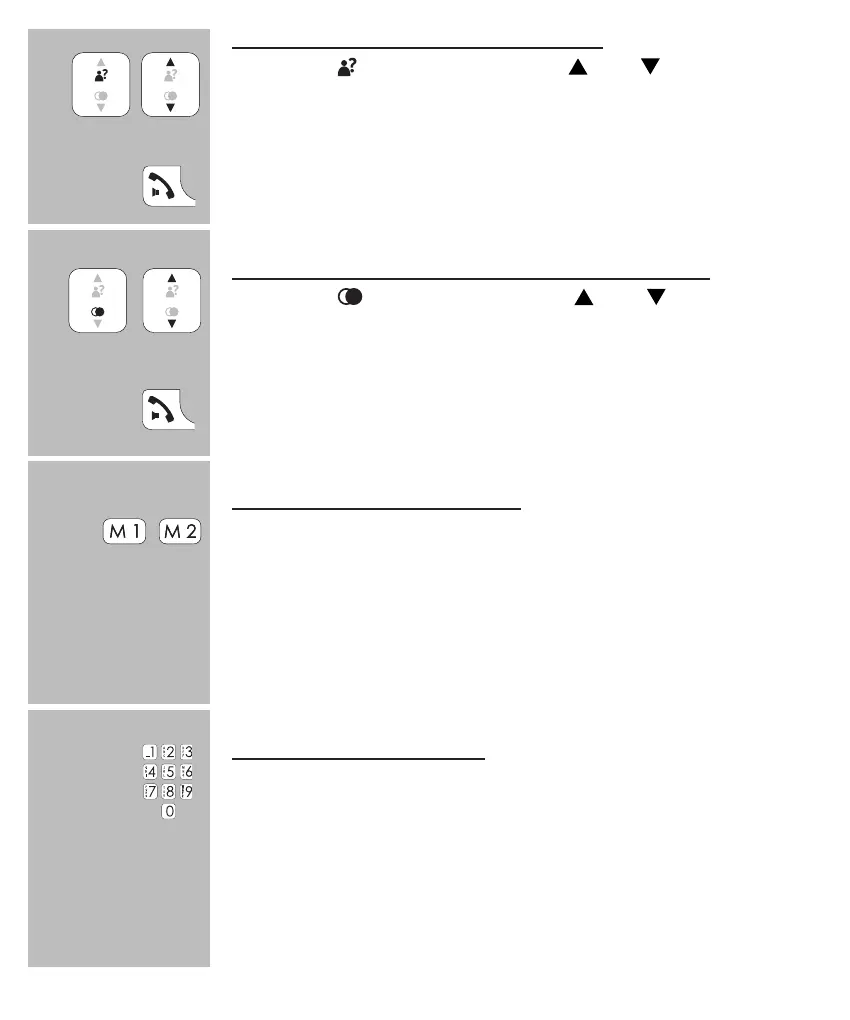
dialling from the Caller-ID memory:
press the
button and use the and buttons to
select the desired call
press the Call button to dial the selected number
dialling from the last dialled number memory:
press the
button and use the and buttons to
select the desired call
press the Call button to dial the selected number
dialling speed-dial contacts
press and hold the M1 or M2 button for 2 seconds
the handset will switch on and the number is dialled
• see paragraph 10.2, item [ Snelkeuz ] for programming these
speed-dial memories
dialling direct memories
press and hold one of the 0-9 buttons on the keypad for
at least 2 seconds
the handset will switch on and the number is dialled
• see paragraph 7.4 for programming the direct memories
2 sec.
2 sec.


 To Next Page