21
7.3 TO ADD, EDIT OR DELETE CONTACTS:
to add:
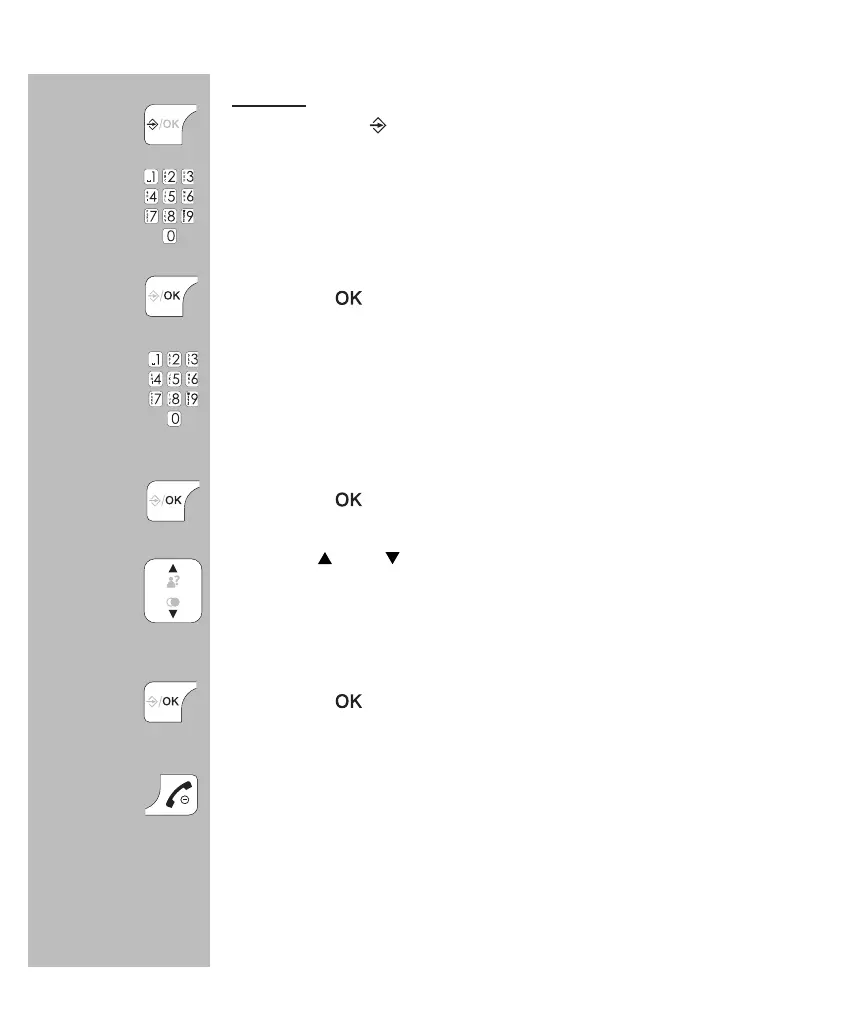
press 4x the
button
use the keypad to enter the name
- use the C button to correct any incorrect input
- see the next page for all available characters
press the
button
use the keypad to enter the phone number
- use the C button to correct any incorrect input
- briey press and hold the 0 button to insert a dialling
pause
press the
button
use the and buttons to select the desired melody
that must sound when this subscriber calls you, to use
this function you must be subscribed to the Caller-ID
service
press the
button to save this contact
press the End button to stop programming and return
the handset to standby mode
4x


 To Next Page