11
3.5 TO MUTE THE MICROPHONE:
During a call, you can switch off the microphone allowing you to consult
with other household members without having your call partner listening.
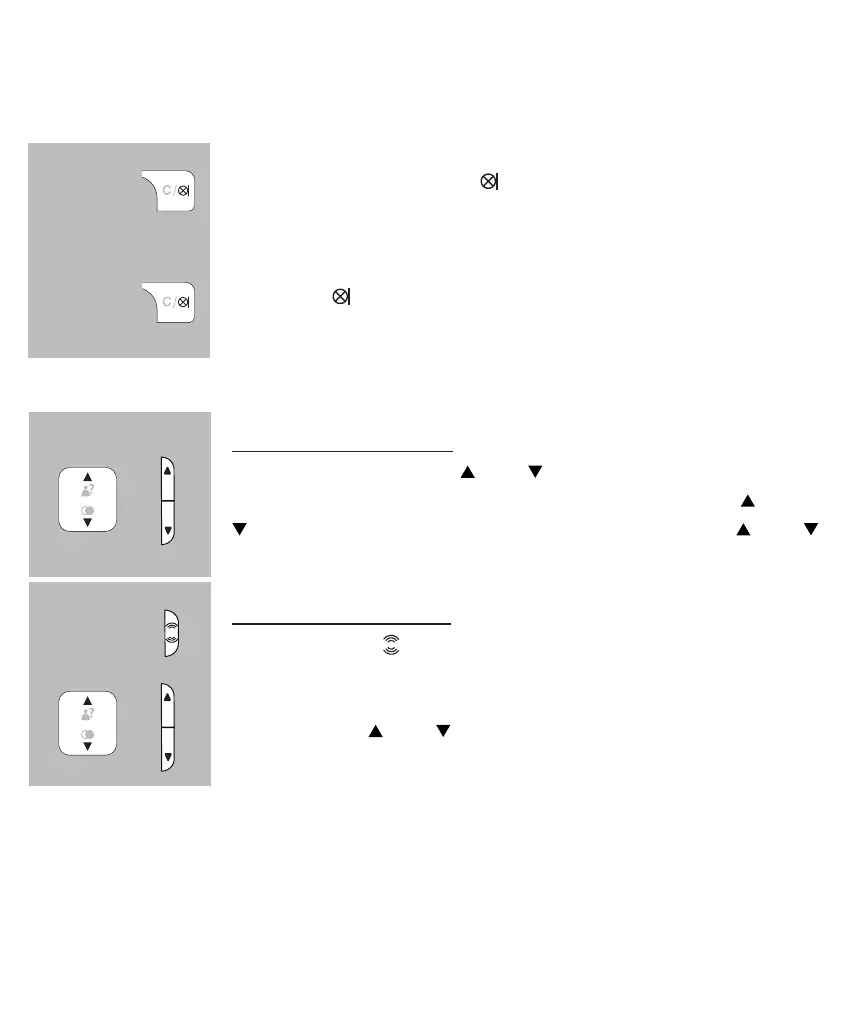
during a call, press the
button to switch off the micro-
phone;
press the
again to switch the microphone back on
3.6 RECEPTION VOLUME:
normal amplication:
during a call, use the
and buttons to adjust the
reception volume; for this you may also use the
and
buttons at the right side of the handset or the and
buttons underneath the M2 button
boost apmplication:
rst press the
button at the left side of the handset;
the indicator above the display will switch on
now use the
and buttons to set the desired volume
level
• the volume level for calling via the handset or hands-free can be set separately
• the selected setting will be kept in the memory
• after disconnecting a call, the boost amplier will be switched off automatically
• the boost amplier level is +8dB
or
or


 To Next Page