24
7.4 TO VIEW CONTACTS:
You can check the number and the set ringtone for each contact as fol-
lows:
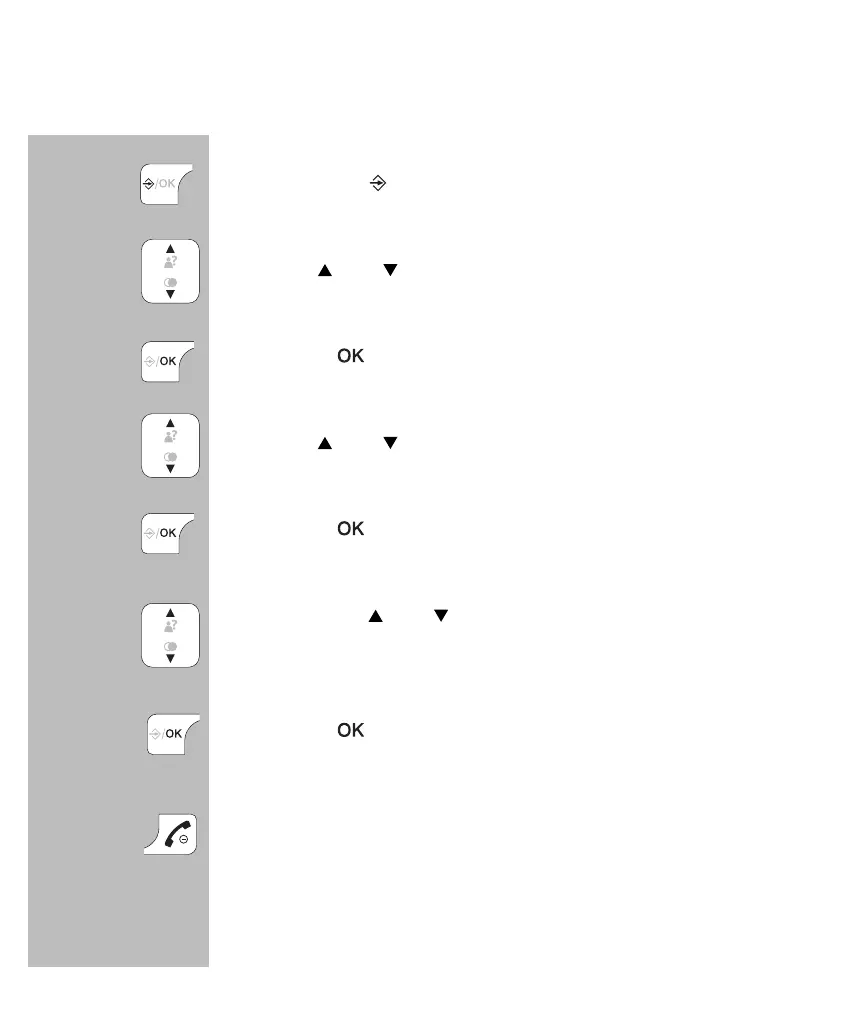
press 2x the button
use the
and
buttons to select the desired contact
press the
button
use the
and
buttons to select the option
[ VIEW ]
press the
button
now use the
and
buttons to view the name, number
and set ringtone for the selected contact
press the
button
press the End button to stop viewing and return the
handset to standby mode
2x


 To Next Page