23
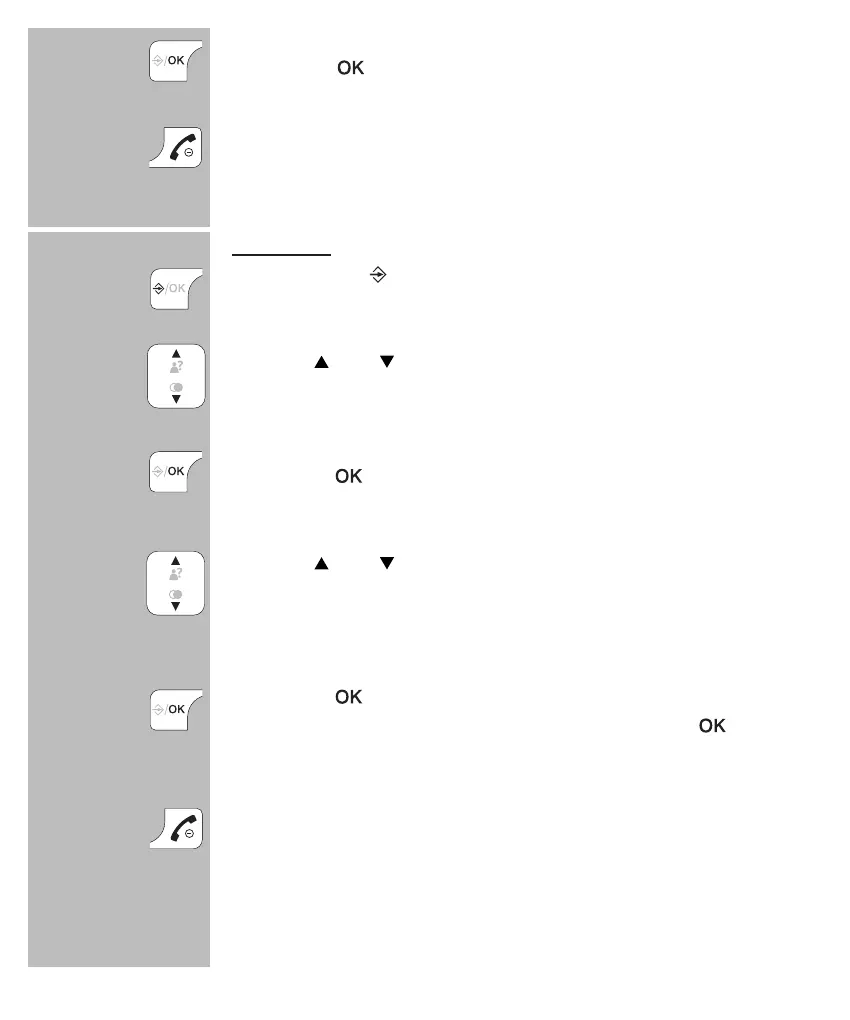
press the button to save this memory
press the End button to stop editing and return the
handset to standby mode
to delete:
press 2x the
button
use the and buttons to select the contact you want to
delete
press the
button
use the and buttons to select the option [ DELETE ]
to only delete the selected contact or select [ DELETE
ALL ] to delete all contacts
press the
button
when using [
DELETE ALL
] you must press 2x
press the End button to stop deleting and return the
handset to standby mode
2x


 To Next Page