22
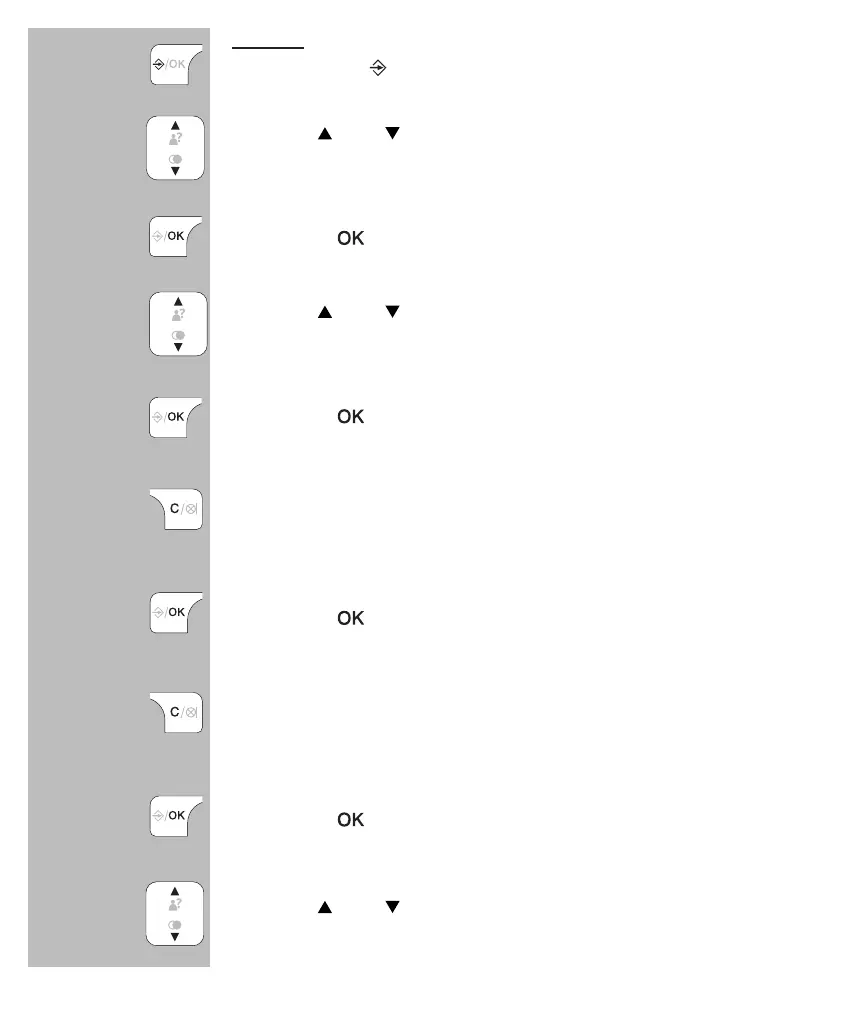
to edit:
press 2x the
button
use the
and buttons to select the contact you want
to edit
press the
button
use the
and buttons to select the option
[ EDIT ]
press the
button
use the C button to delete the old name and use the
keypad to enter the new name
press the
button
use the C button to delete the old number and use the
keypad to enter the new name
press the
button
use the and buttons to select a different ringtone
that must sound when this subscriber calls you
2x


 To Next Page