9
3.4 DIALLING NUMBERS:
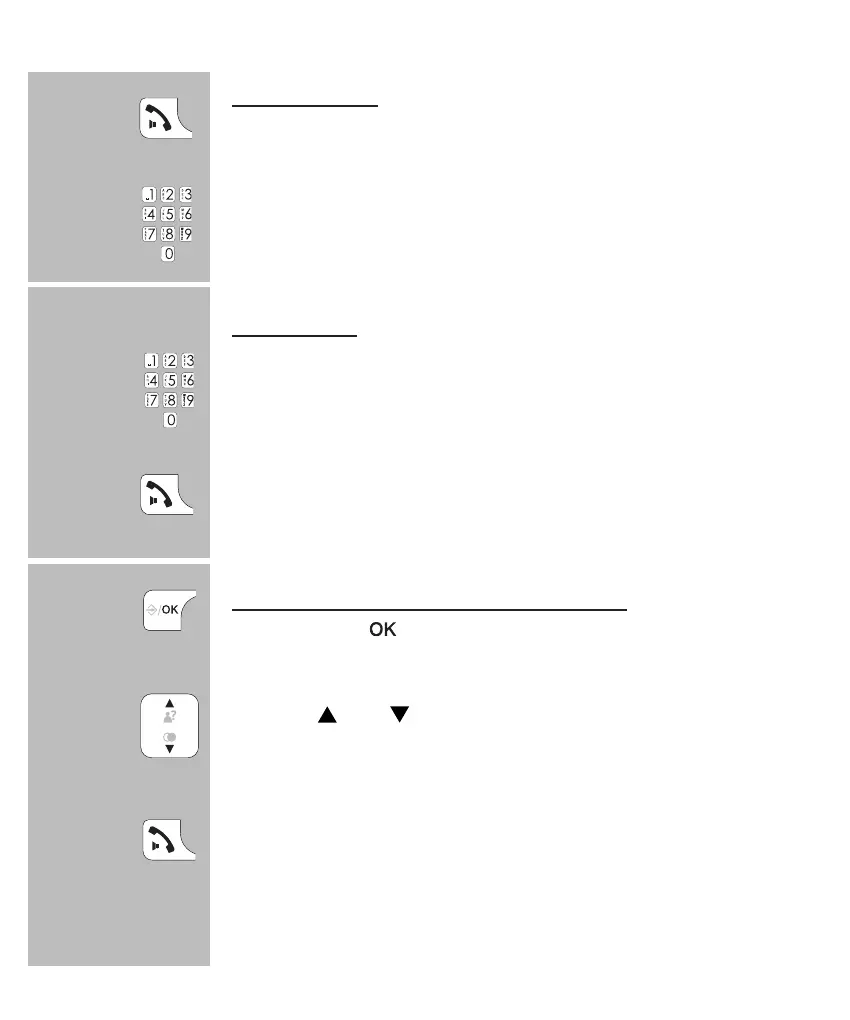
Direct dialing:
Press the phone-on key and wait for the dial tone.
Enter the phone number through the keyboard; this
number will be dialed directly.
pre-dialling:
Enter the phone number through the keyboard.
• press and hold the 0 button for at least once second to insert a
dialling pause (the display will show -P-)
• press the C button to delete any incorrect input
press the Call button to dial the number
dialling from the phonebook memory:
press 2x the button
use the
and buttons to search for the desired
memory
press the Call button to dial the number
• see paragraph 7.3 for programming phonebook memories
2x


 To Next Page