12
3.7 CALL DURATION:
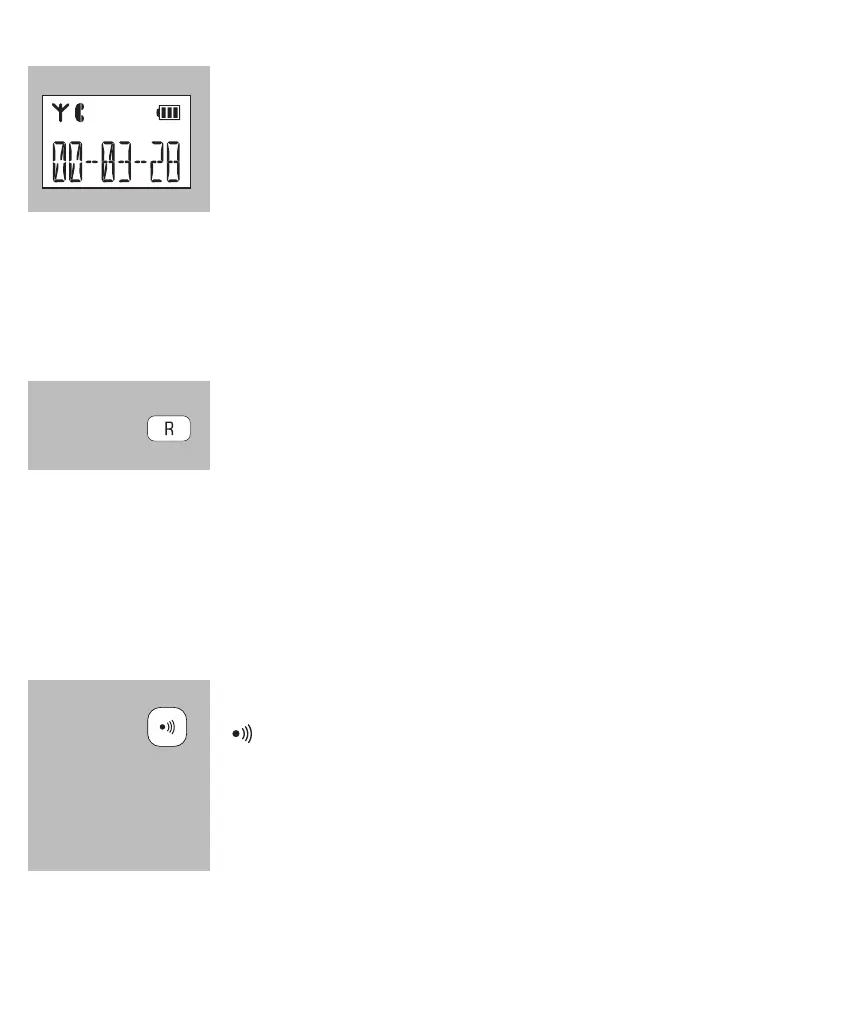
during a call, the call duration will be shown in the dis-
play; the call duration will disappear from the display as
soon as you disconnect
3.8 R/FLASH FUNCTION:
R/FLASH means you briey interrupt the telephone connection. This func-
tion allows you to forward calls with certain home or ofce switchboards or
activate telephone services such as ‘Call waiting’.
during a call, press and hold the #/R button for at least
2 seconds to emit a FLASH pulse
• Some telephone service providers require you to press a numeric button after giving the
FLASH pulse to use e.g. ‘Call Waiting’; contact your provider for more information.
• The interruption duration of the FLASH pulse can be adjusted; for this, see para-
graph 11.2 [ Flash ].
3.9 HANDSET SEARCH FUNCTION:
in case you’ve misplaced the handset, briey press the
button on the base
the handset will then sound a signal for 60 seconds while
[ PAGING ] appears in the display. This signal will stop af-
ter 60 seconds or you can press a random button to stop it
beforehand.


 To Next Page