39
12 RESETTING PREFERENCES
12.1 INTRODUCTION:
Via the menu [ DEAFAULT ], you can reset your settings to the standard
factory settings.
12.2 MENU FOR RESETTING PREFERENCES:
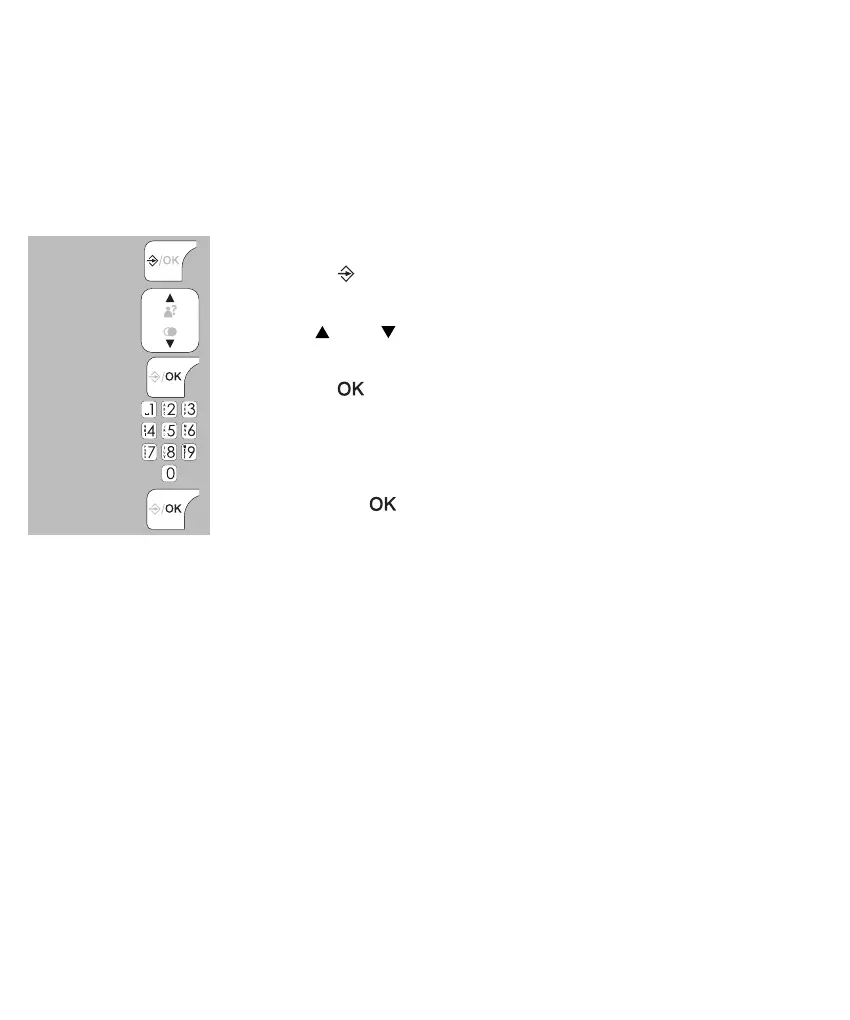
press the
button
use the and buttons to select the option [ DEFAULT ]
press the button
use the keypad to enter the PIN code
press 2x the
button
12.3 FACTORY SETTINGS:
Name handset HANDSET
Display language Dutch
Internal ringtone Melody 2
External ringtone Melody 1
Ring volume Level 3
Receiver volume Level 3
Hands-free volume Level 3
Battery tone Enabled
Out-of-range tone Enabled
Key tones Enabled
2x
Auto answer Disabled
Clock format 24 HR
Date/time 01-01-18 / 00:00
Flash: 100mS
Voicemail indication: off
PIN code: 0000
Last dialled memory: empty
Caller-ID memory: empty
Phonebook memory: unchanged


 To Next Page