27
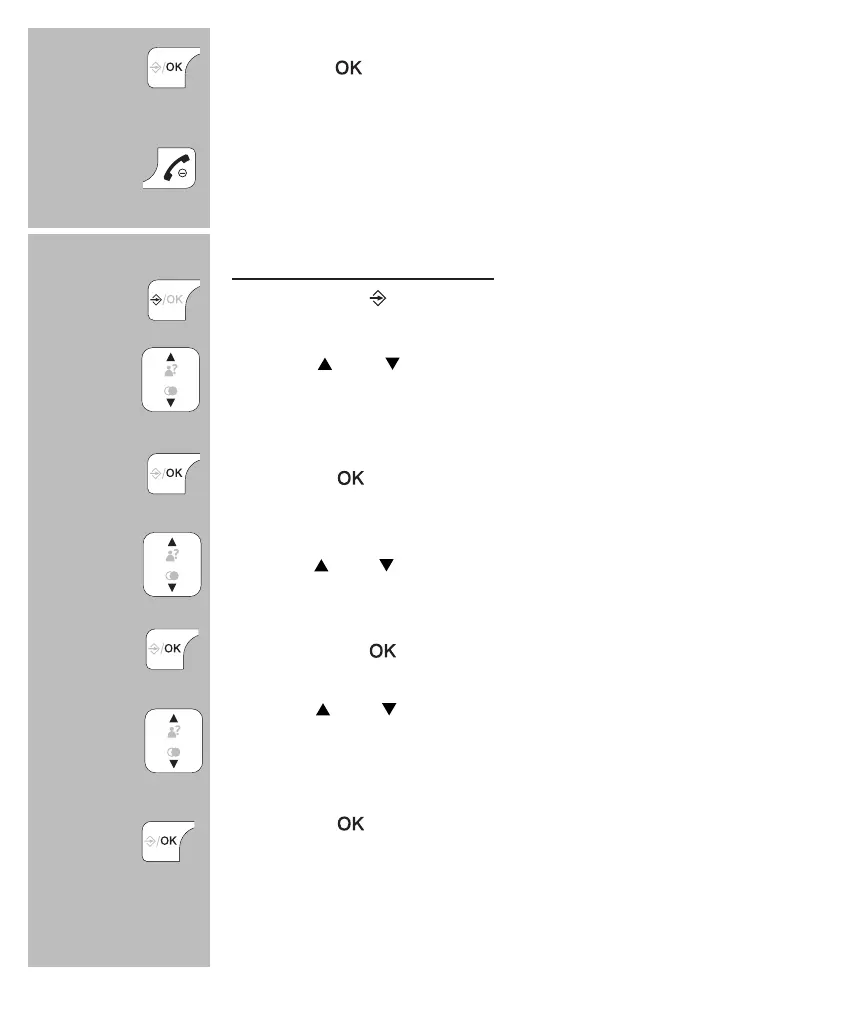
press the
button
press 3x the End button to stop assigning and return
the handset to standby mode
to assign, edit or delete:
press 3x the
button
use the
and buttons to select the option
[ DIRECT MEM. ]
press the
button
use the and buttons to select the desired button (2~9)
press 2x the button
use the
and buttons to select the option [
DELETE
]
to remove the assigned contact or select [ EDIT ] to as-
sign a different contact to the selected button
press the
button to conrm deleting the contact or
assigning another contact
3x
3x
2x


 To Next Page