13
HOW TO TURN ON THE POWER
Plug in the power cord (see page 11).
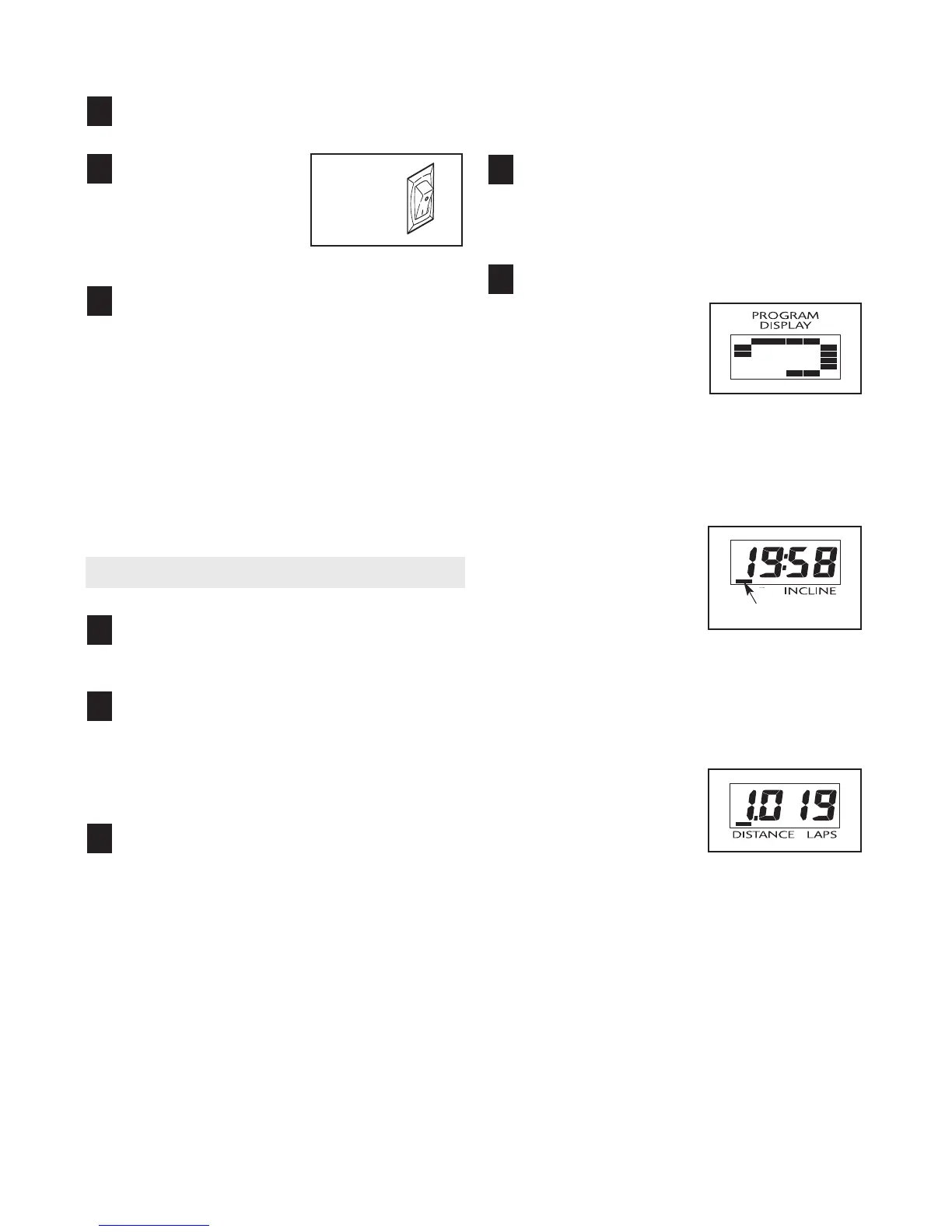
Locate the on/off
s
witch on the treadmill
frame near the power
c
ord. Make sure that
the switch is in the
“on” position.
Stand on the foot rails of the treadmill. Find the clip
attached to the key (see the drawing on page 12)
and attach the clip securely to the waistband of
your clothes. Next, insert the key into the console.
After a moment, the displays will light. Important:
In an emergency situation, the key can be
pulled from the console, causing the walking
belt to slow to a stop.
Test the clip by carefully
taking a few steps backward until the key is
pulled from the console. If the key is not
pulled from the console, adjust the position of
the clip as needed.
HOW TO USE THE MANUAL MODE
Insert the key into the console.
See HOW TO TURN ON THE POWER above.
Select the manual mode.
When the key is inserted, the manual mode will be
selected. If you have selected a program or the
iFIT.com mode, remove the key and then reinsert
it.
Press the Start button or the Speed increase
button to start the walking belt.
A moment after the button is pressed, the walking
belt will begin to move. Hold the handrails and
begin walking. As you exercise, change the speed
of the walking belt as desired by pressing the
Speed buttons. Each time a button is pressed, the
speed setting will change by 0.1 mph. If a button
is held down, the speed setting will change in in
-
crements of 0.5 mph.
To stop the walking belt, press the Stop button.
The Time/Incline display will begin to flash. To
restart the walking belt, press the Start button or
the Speed increase button.
Change the incline of the treadmill as desired.
To change the incline of the treadmill, press the
Incline buttons. Each time a button is pressed, the
incline will change by 0.5%.
Follow your progress with the five displays.
The Program
display—When the
manual mode or the
iFIT.com mode is se-
lected, a 1/4-mile (400-
meter) track will appear
in the matrix in the Program display. As you walk
or run on the treadmill, the indicators around the
track will light in succession until the entire track is
lit. The track will then darken and the indicators
will again begin to light in succession.
Time/Incline display—
When the manual mode
or the iFIT.com mode is
selected, this display will
show the elapsed time
and the incline level of
the treadmill. The display
will alternate between one number and the other
every few seconds, as shown by the indicators in
the display. When a preset program is selected,
the display will show the time remaining in the pro-
gram and the incline level of the treadmill.
Distance/Laps
display—This display
shows the distance that
you have walked or run
and the number of 1/4-
mile (400-meter) laps
you have completed
. The display will alternate be
-
tween one number and the other every few sec-
onds, as shown by the indicators in the display.
5
4
3
2
1
3
2
1
Indicator
On
Position






 To Next Page