16 © 2008 by Proceq SA
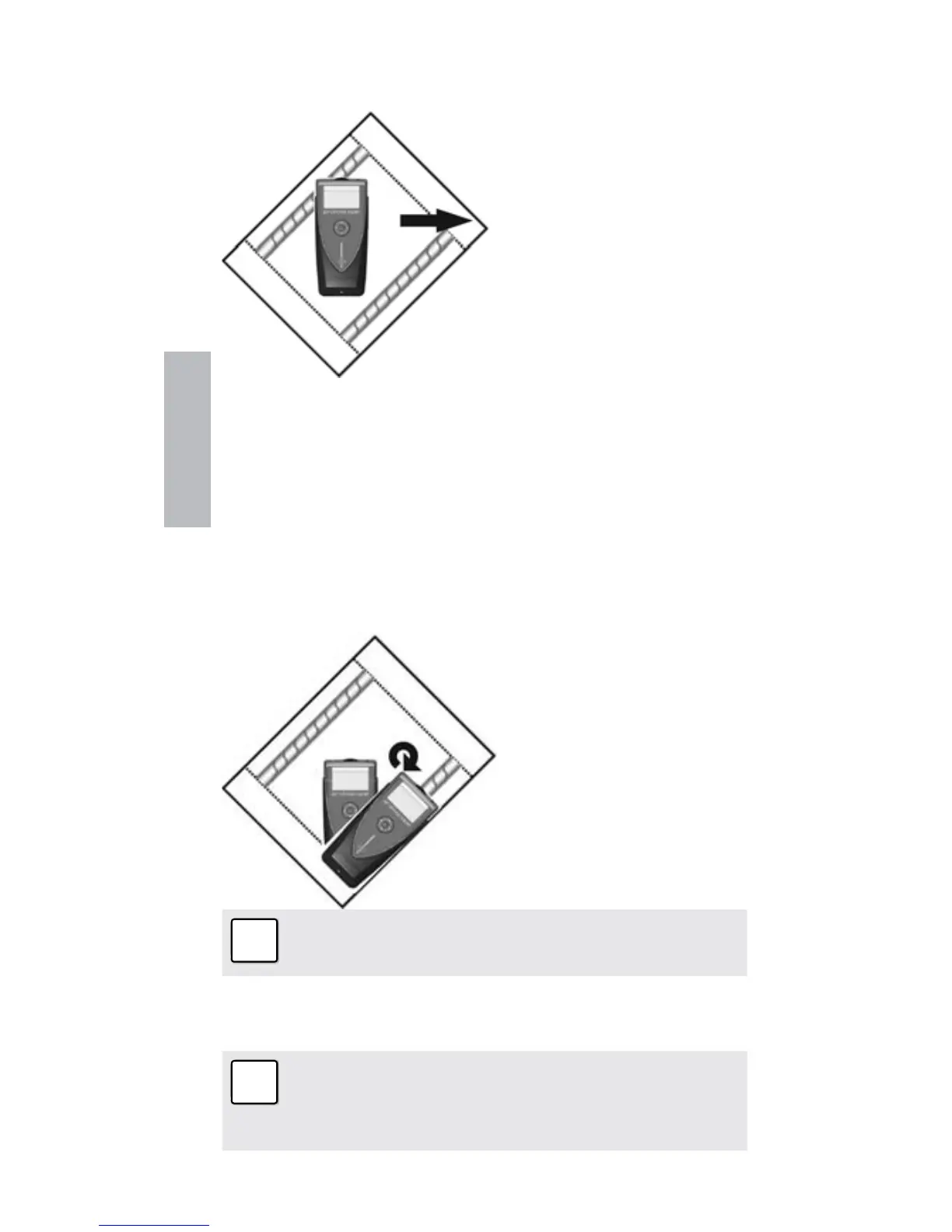
Scenario C)
Sweeping at an Angle to the Rebars
☺ Try it out on the start-
up test kit.
The response on the screen will be similar to the case
when you are sweeping parallel, but the movement of the
rifle scope will be slower.
3.2.2 Check the Orientation
Step 2 – Once you have located the rebar, you need to
check the orientation of the bar by rotating around the
measurement center.
☺ Try it out on the start-
up test kit.
Note: Ensure that the rifle scope remains cen-
tered as you rotate.
Rotate until you get the minimum cover value and the LED
indicator is lit.
Note: The signal strength arrow can also be
used as an aid here. The signal strength will in-
crease as you rotate towards the correct orienta-
tion and decrease as rotate away.
Real Tests


 To Next Page