18 © 2008 by Proceq SA
3.2.6 Advanced Settings (Measuring Range)
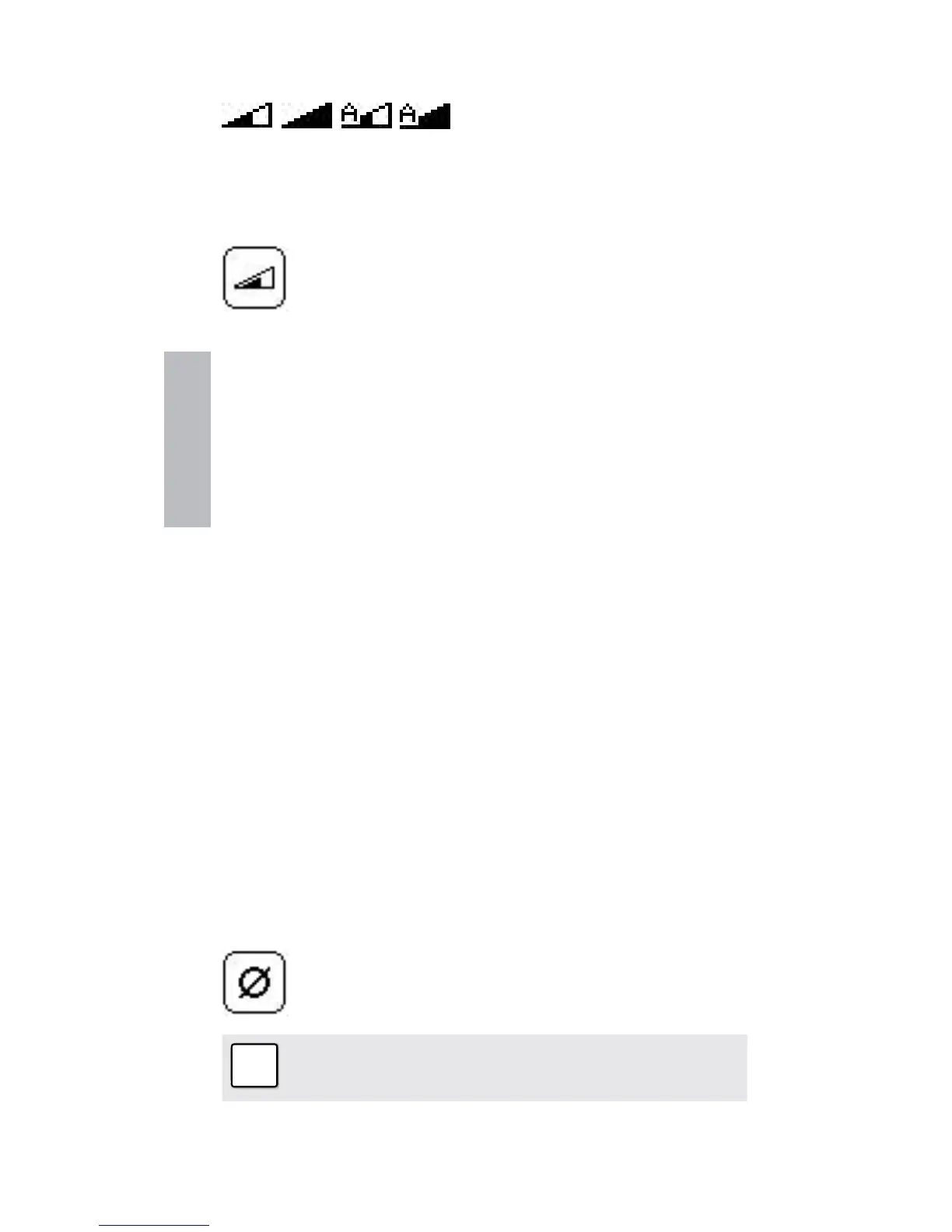
short, long, auto, auto
This symbol in the top left corner of the screen indicates
the measuring range set. Toggle between ranges with the
short cut describe in chapter 3.1.
The range can also be set in the main menu by
selecting the following icon.
Choose the short range to accurately detect rebars that
are embedded closer to the concrete surface.
The long range setting will allow rebars embedded deeper
in the concrete structure to be detected. However, it will
create a larger sphere of influence which in turn means
that neighboring rebars may affect the reading.
Alternatively, choose the automatic setting that will au-
tomatically toggle between the short range and the long
range.
3.3 Measure Cover Depth
Once the rebar grid has been located the cover can be
measured.
3.3.1 Set the Rebar Diameter
☺ An accurate knowledge of the rebar diameter will also
give best cover depth results.
The default reference rebar diameter set in the instrument
is 16 mm or #5. This can be seen in the status row at the
top of the display screen.
Step 1 - If you already know the actual rebar dia-
meter, select the icon in the menu to set this as
the reference.


 To Next Page