22 © 2008 by Proceq SA
4 General Settings
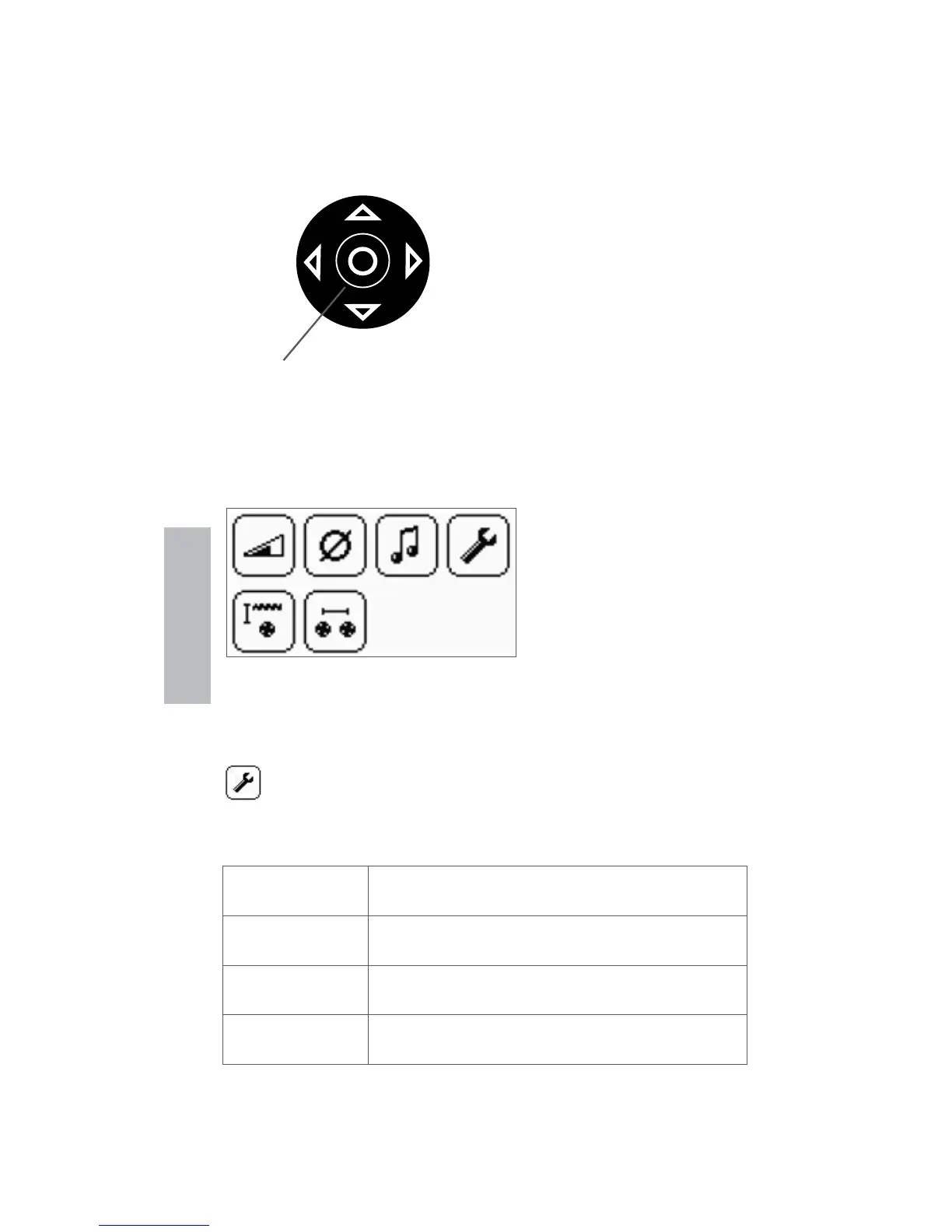
4.1 Navigating
UP
RIGHT
DOWN
SELECT
LEFT
The settings menu can
be entered by pressing
the select button. Use
the navigation keys to
select the desired menu
icon and press the se-
lect button again.
Scroll within the menus to the setting you wish to make
and press the select button to implement it. Exit the main
menu by pressing either the reset or function button.
Each menu item is de-
scribed in detail below.
4.2 Regional Setting
The Profoscope supports 4 regional settings. This
setting affects all other displays and should be
done prior to making other selections.
Metric
Cover and bar diameters in mm accord-
ing to table in 4.3
ASTM inch
Cover in inch, bar diameters according
to table in 4.3
ASTM mm
Cover in mm, bar diameters according
to table in 4.3
Japanese
Cover in mm, bar diameters according
to table in 4.3
General Settings


 To Next Page