Connect Pro
10
www.profoto.com
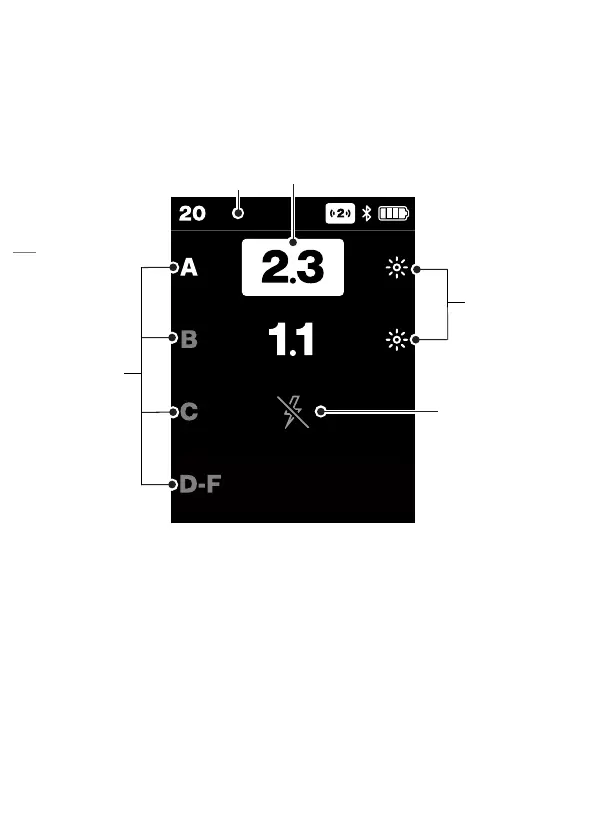
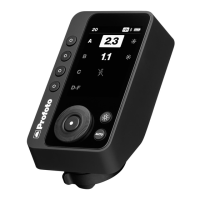
Main display view
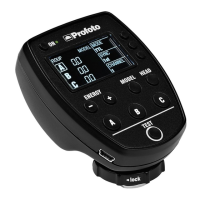
When starting the Connect Pro you are met with the main display view.
From this screen, you can adjust flash power, set continuous light on/
off and turn flashes(heads) on/off for individual groups of flashes.
15
16
18
17
14
14. Top bar
15. Flash power adjustments
16. Group symbols
17. Continuous light ON symbol
18. Head OFF symbol



 To Next Page