Connect Pro
12
www.profoto.com
High Speed Sync (Hi-S)
In most cases Hi Speed Sync is automatically enabled on camera
specific versions of Connect Pro whenever a picture is taken with
the shutter speed set to anything shorter than the cameras specified
X-sync shutter speed.
On Nikon and Fujifilm cameras Auto-FP (HSS) must be pre-enabled
in the camera menu for Hi-Speed Sync to be enabled on Connect Pro.
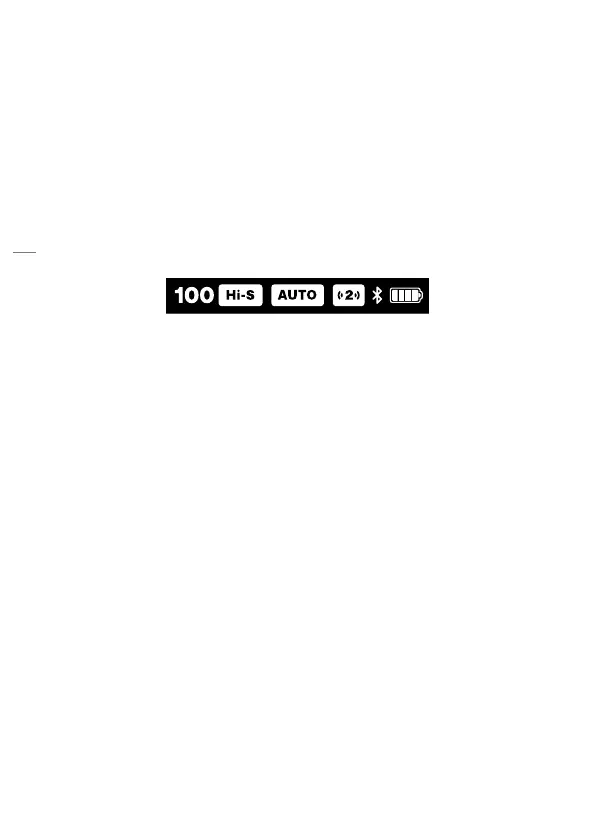
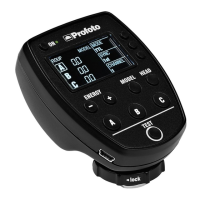
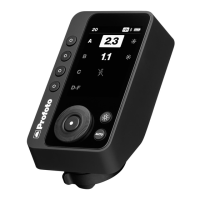
Whenever Hi Speed Sync is activated on Connect Pro, a Hi-S symbol
will appear in the top bar.
NOTE
• High Speed Sync is not supported on the non-TTL version of Connect Pro.
Selecting groups
• When starting the remote, group A is always preselected.
• Press a group button [1], [2], [3] to select a specific group.
Switching view to control group D-F
• Press group button [4] to switch view between groups A-C and D-F.
Selecting all groups
• All groups can be selected if MANUAL flash control is selected.
• If a group is already selected and the group button [1], [2], [3] for the
selected group is pressed again, all groups (A-F) will be selected.
• If the user is switching views between group A-C and group D-F all
group selection will stay active.
• If all groups are selected and any group button [1], [2], [3] is pressed
again, selection will revert to highlighting only that group.




 To Next Page