Connect Pro
14
www.profoto.com
MANUAL flash control
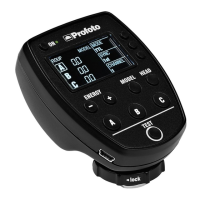
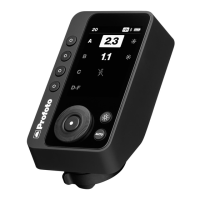
• Turning the main dial will adjust flash power in 0.1 f-stop increments
for the group that is selected.
• Turning clockwise will increase flash power.
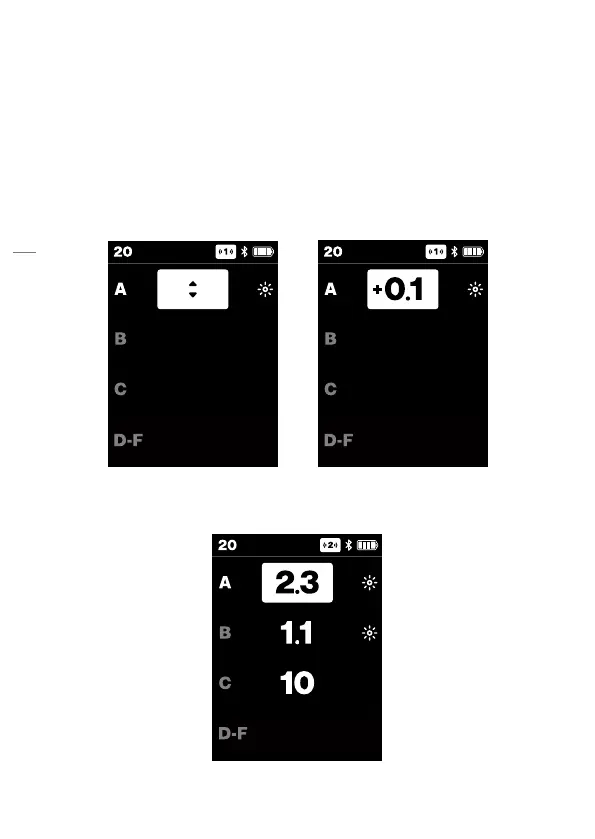
In Air 1 control mode, no flash power is displayed for any of the groups.
When a group is selected, arrows indicate that the flash power can be
adjusted for the selected group. When turning the Main dial [6], the
flash power change is displayed with a + or - to the left.
In Air 2 control mode the user can set the energy flash power for each
group to any value between 0.1-10 by using the Main dial [6].





 To Next Page