Connect Pro
18
www.profoto.com
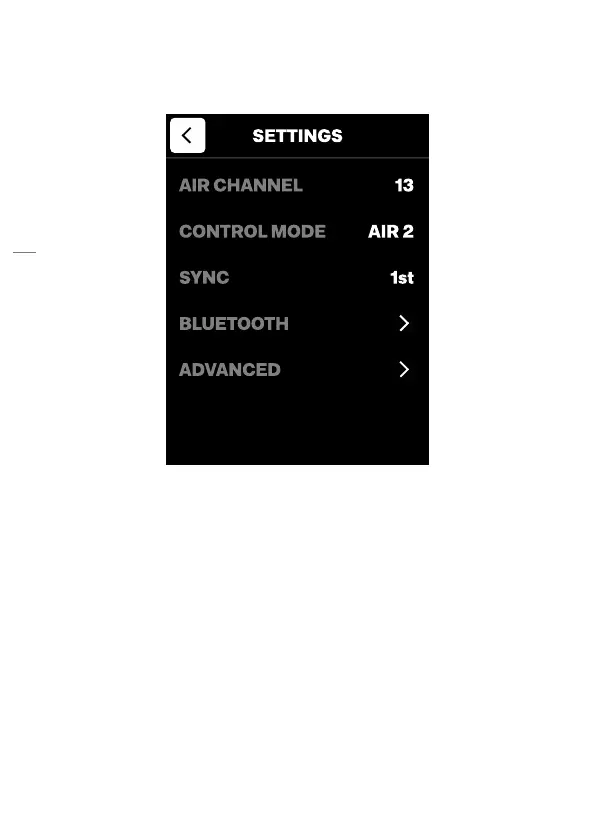
Settings menu
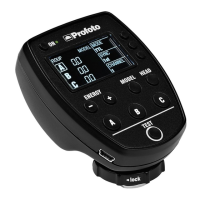
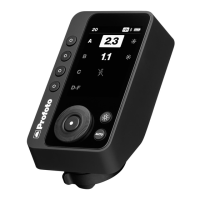
Open the settings menu by pressing the Center button [7].
Use the dial [6] and center button [7] to navigate the settings menu.
• Turn the dial to select (highlight) a setting.
• Push the center button to toggle between options and to open
submenus.
− Turn the dial to change the submenu option.
− Push the center button [7] to set the highlighted option.
• Push the test button [5] or select < and push the center button [7]
to exit the settings menu.
Air channel
The air channel setting is used to select the channel (1-100) for wireless
triggering of Profoto Air flashes.
NOTE
You need to set the same channel on all flashes that you want to use with Connect Pro.


 To Next Page