Connect Pro
17
www.profoto.com
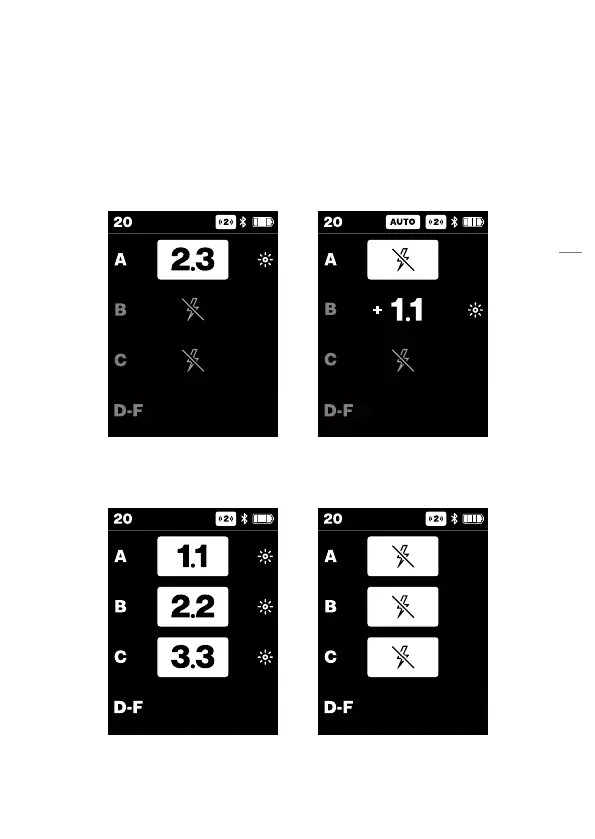
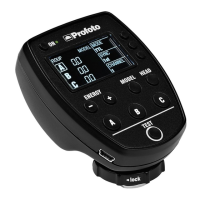
• When Head is set off, the continuous light icon (if on) is hidden as
well as the offset numbers. Only the highlight and head off icon
are visible.
• The selected head on/off state is kept when toggling between
AUTO/MANUAL.
• When turning the head back on, the flash and continuous light
settings will revert to the previously selected settings.
When all groups are selected all of them can be set to Head off by long
pressing on any group button.


 To Next Page