Connect Pro
16
www.profoto.com
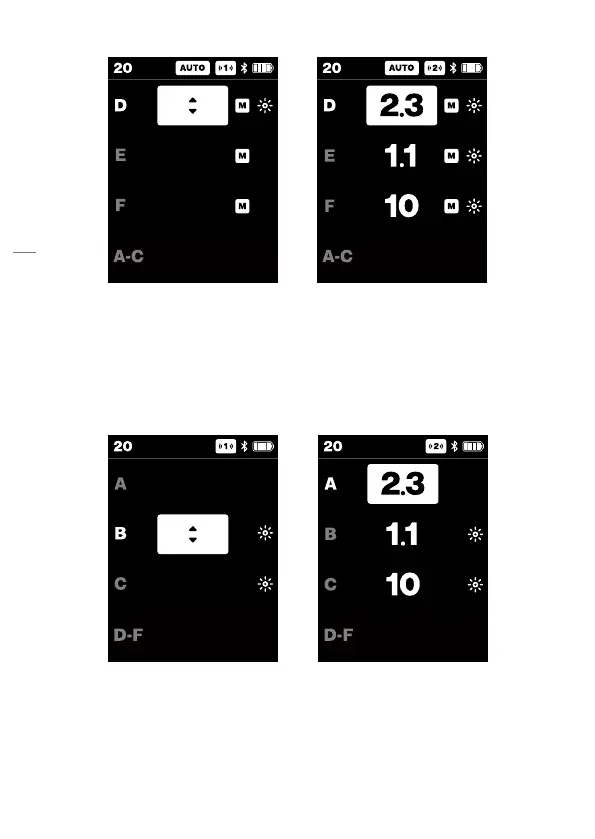
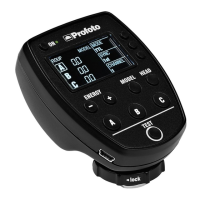
Continuous light ON/OFF
• Pressing the Continuous light button [9] will toggle the light on/
off for that group.
• When on, a sun icon appears for that group.
• The selected continuous light on/off state is kept when toggling
between AUTO/MANUAL.
Head ON/OFF
• Head on/off is toggled with a long press (>1s) on a group button
[1], [2], [3].
• When head is turned off all other controls are disabled for that
group.



 To Next Page