Connect Pro
9
www.profoto.com
Basic operation
Power On/Off
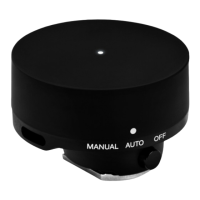
ON: Press and hold the Test button [5] for >1 s.
Off: Press and hold the Test button [5] for >1.2 s while the system is on.
When the Connect Pro is switched off, the current settings are stored
and will apply when the unit is switched on again.
NOTE
To save battery, the Connect Pro automatically enters standby mode and/or switches
off completely after a period of inactivity. The periods of inactivity for the standby and
auto power-off functions are selectable via the settings menu.







 To Next Page