Connect Pro
15
www.profoto.com
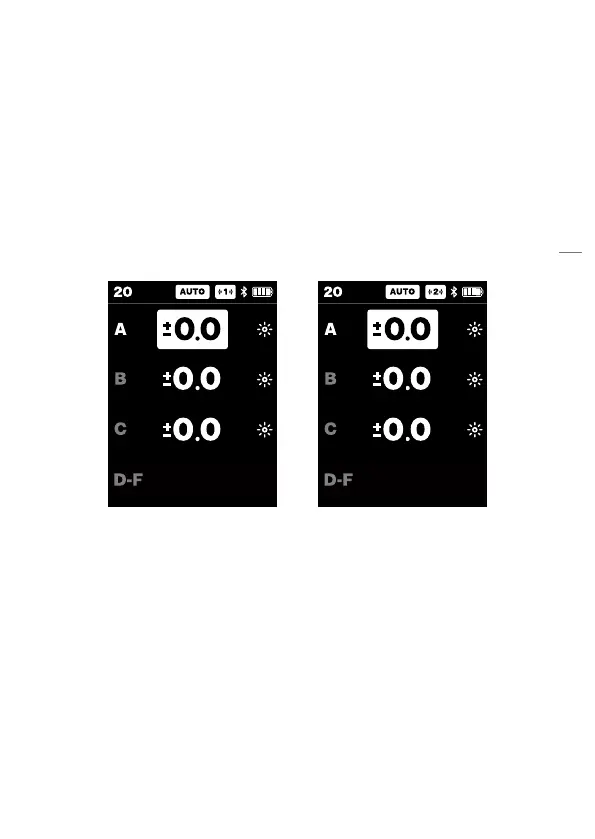
AUTO flash control
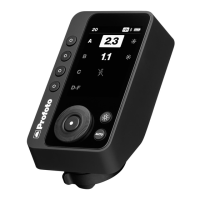
When AUTO flash control is selected you can only preselect exposure
offsets for group A-C.
The selected offset for group A-C is always displayed. By factory
default group A is selected and all group offsets are set to ±0.0 when
the remote is first started.
• Turning the main dial will adjust the offset for the selected group.
• Turning clockwise will increase the offset
• Offsets can be adjusted between -2.0 and +2.0 (f-stops).
When AUTO flash control is active, it only impacts group A-C. Group
D-F is still manual. This is indicated with an M (Manual) indicator to the
right. If group D-F is selected, their flash power can be adjusted in the
same way as if MANUAL is selected.


 To Next Page