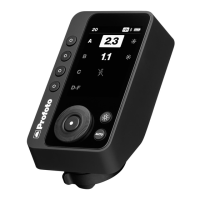
Connect Pro
21
www.profoto.com
NOTE
The selected backlight setting will significantly impact battery runtime.
Standby
The Standby setting is used to set if the Connect Pro should
automatically go into standby after a selectable period of inactivity.
Selectable settings are 2 MIN, 30 MIN, NEVER. Factory setting is 2
MIN.
Auto off
The Auto off setting is used to set if the Connect Pro should
automatically turn off after a selectable period of inactivity. Selectable
settings are 15 MIN, 1 HOUR, NEVER. Factory setting is 1 HOUR.
Battery type
The Battery type setting is used to set which type of AAA battery is
used in the Connect Pro. Selectable settings are AUTO and LITHIUM.
Factory setting is AUTO which is recommended for Alkaline and NIMH
batteries. If Lithium batteries are used it is recommended to switch
battery type setting to Lithium to get a more accurate battery indicator.
About
The About section displays information such as serial number and
firmware version.
Regulatory info
The Regulatory info section displays regulatory information.
Factory reset
The Factory reset option is used to reset all settings to the factory
default settings.



 To Next Page