14
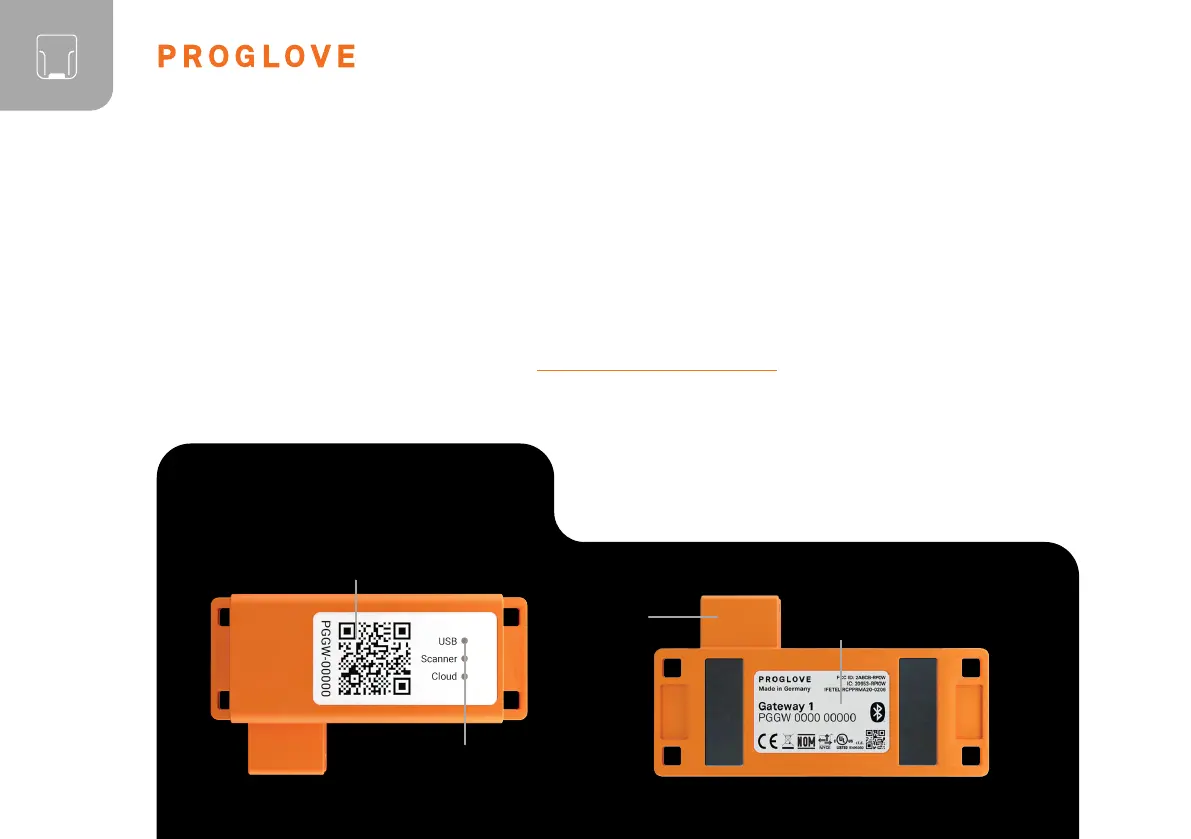
CONNECTIVITY DEVICE
OVERVIEW
Product label
Micro USB
socket
The Gateway receives the scanned barcode data from the scanner via BLE. This barcode data is transmitted to the
end device via USB cable. In the USB HID mode, the Gateway simulates a computer keyboard. A serial connection
is emulated in the USB CDC mode. In order to use the USB CDC mode, the device must be set to “USB CDC”
in the ProGlove INSIGHT Configuration Tool (https://insight.proglove.com/)
under “Connectivity Configuration -
Integration path”. Also multipairing is possible. The Gateway can be connected with up to 5 scanners simultaneously.
Feedback LEDs
Pairing Barcode
GATEWAY



 To Next Page