22
1ST STEP:
CHARGE SCANNER
2
ND
STEP:
CONNECT THE CONNECTIVITY DEVICE
CAUTION
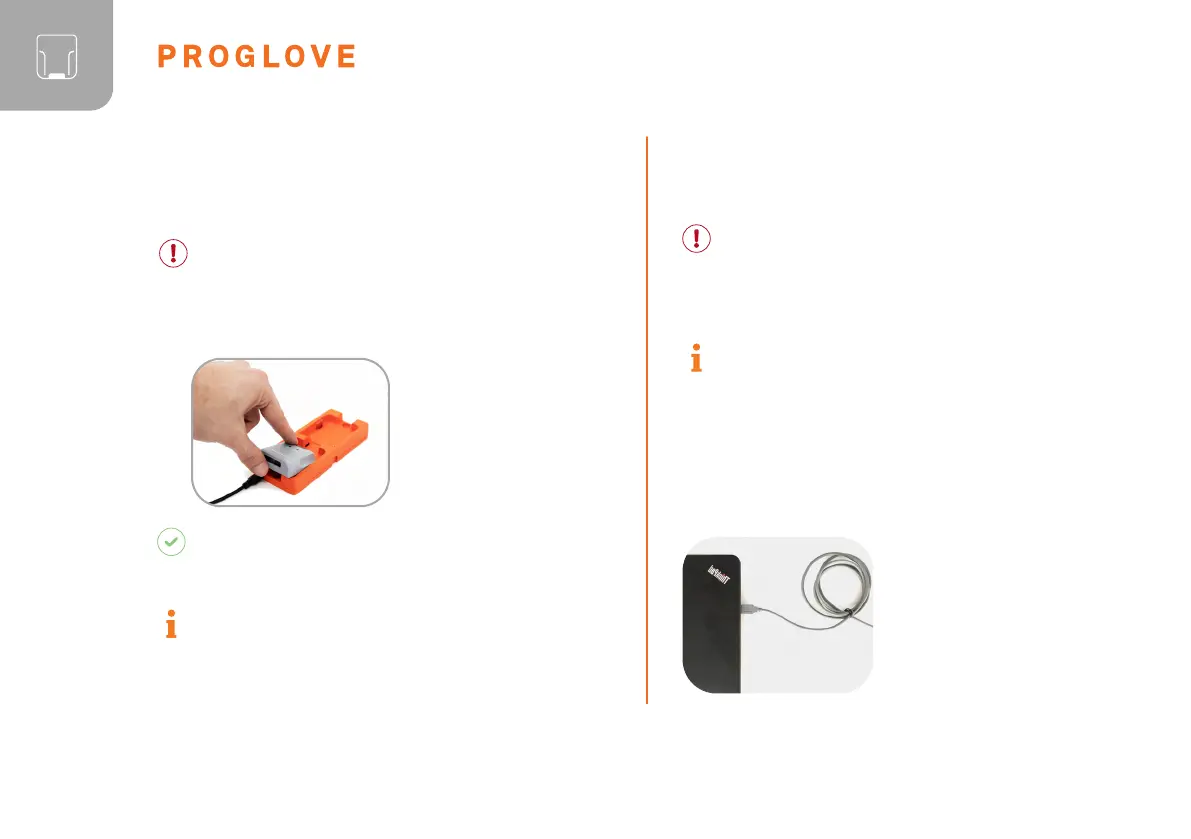
Only use scanner in a dry Charging Station and only
touch with dry hands! This may otherwise lead to
the Charging Station not functioning properly.
The pins face down.
Insert scanner in the
Charging Station.
RESULT
Scanner pulses red and charges in the Charging
Station.
NOTE
The LEDs pulse red while in charging mode. When
the battery is fully charged, the LEDs pulse green.
CAUTION
Only touch the connectivity device with dry hands!
This may otherwise lead to the connectivity device
not functioning properly.
NOTE
The following steps are only needed
when connecting via Gateway.
CONNECTION WITH USB CABLE IN USB
HID MODE:
1. Connect the USB cable with
the end device. Follow the
previous step 1 and step 2 for
“Connetion with USB Cable
in USB HID Mode”. Continue
with the following steps:



 To Next Page