30
6
TH
STEP: DISCONNECT SCANNER
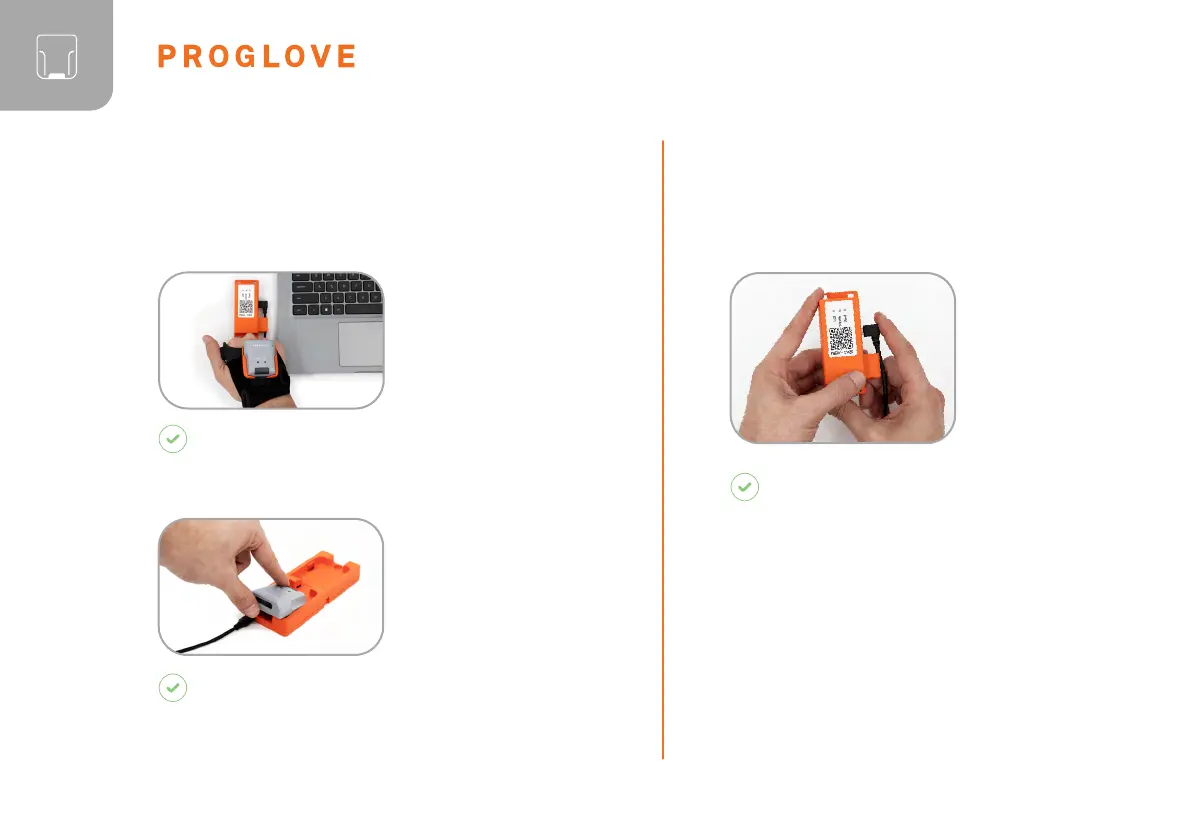
Use the scanner to
scan the pairing code
of a different Gateway.
RESULT
Scanner is disconnected from the Gateway and
is connected to a new Gateway.
Place the scanner in
the Charging Station.
RESULT
The scanner is disconnected from Gateway and
can be connected to a new one.
Unplug
connection cable
from the Micro
USB port.
DISCONNECT THE CONNECTION
CABLE FROM THE GATEWAY:
RESULT
The LED of the Gateway no longer
lights up green. The connection cable is
disconnected from the Gateway.
DISCONNECT SCANNER FROM THE
CONNECTIVITY DEVICE



 To Next Page