21
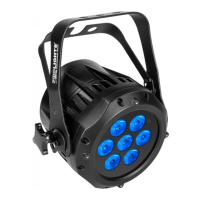
MOBY40
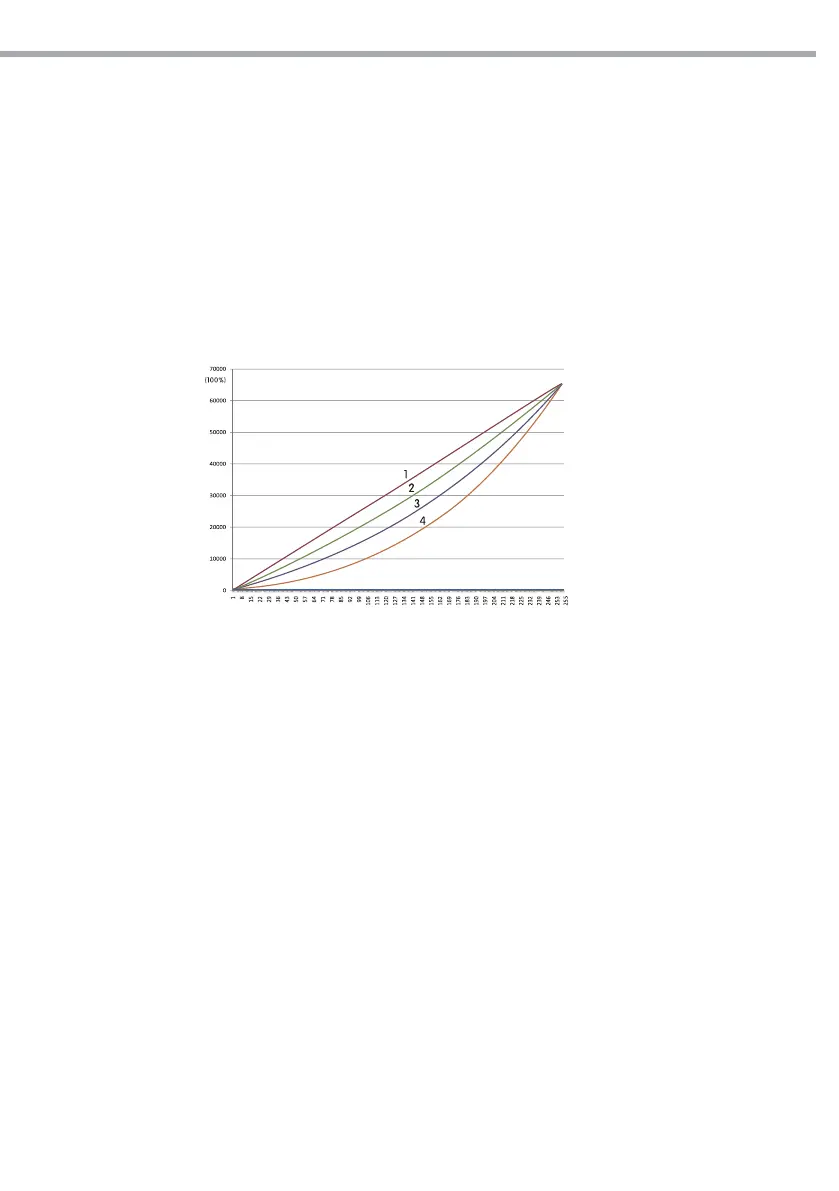
CURV dimming
1: OFF
2: CV1
3: CV3
4: CV4
Fig.14
DIMX
• Enter [DIM] to select dimmer mode and dimmer speed. When dimmer is set to [OFF], the RGBW and
MASTER DIMMER are linear. The Dim1/2/3/4 are speed modes of the non linear dimmer, [DIM1] is the
faster, while [DIM4] is the slowest.
NOTE - The factory default setting is [DIM4].
CURV
[CURV] allows the user to adjust the shape of the dimming curve. See the CURV chart to understand
more about actual dimming curves.
DERR
Enter to [DERR] to control in case of DMX signal errors.
- [SAVE] saves the latest data DMX on error DMX signal.
- [BLACK] allows you to activate the mode on error DMX blackout.
SLCK
[SLCK] is used to lock the settings menu. When [SLCK] is set to ON the user must insert passcode (UP +
DOWN + UP + DOWN) in order to access the settings menu.
STRB
This xture allows for two dierent strobe personality settings, [CLAS] strobe or [SPEC] strobe. The [STRB]
settings are only valid in the DMX personalities TOUR, AR2.S and TR16.
LIFE
• [LIFE] (Battery life); [LONG] for extended battery operation (approx. 12hrs), [NORM] for standard battery
operation (approx.10hrs).


 To Next Page