19
Basic Feature
Digital Teletext (DTV mode)
Recording DTV Programme onto a USB Storage Device
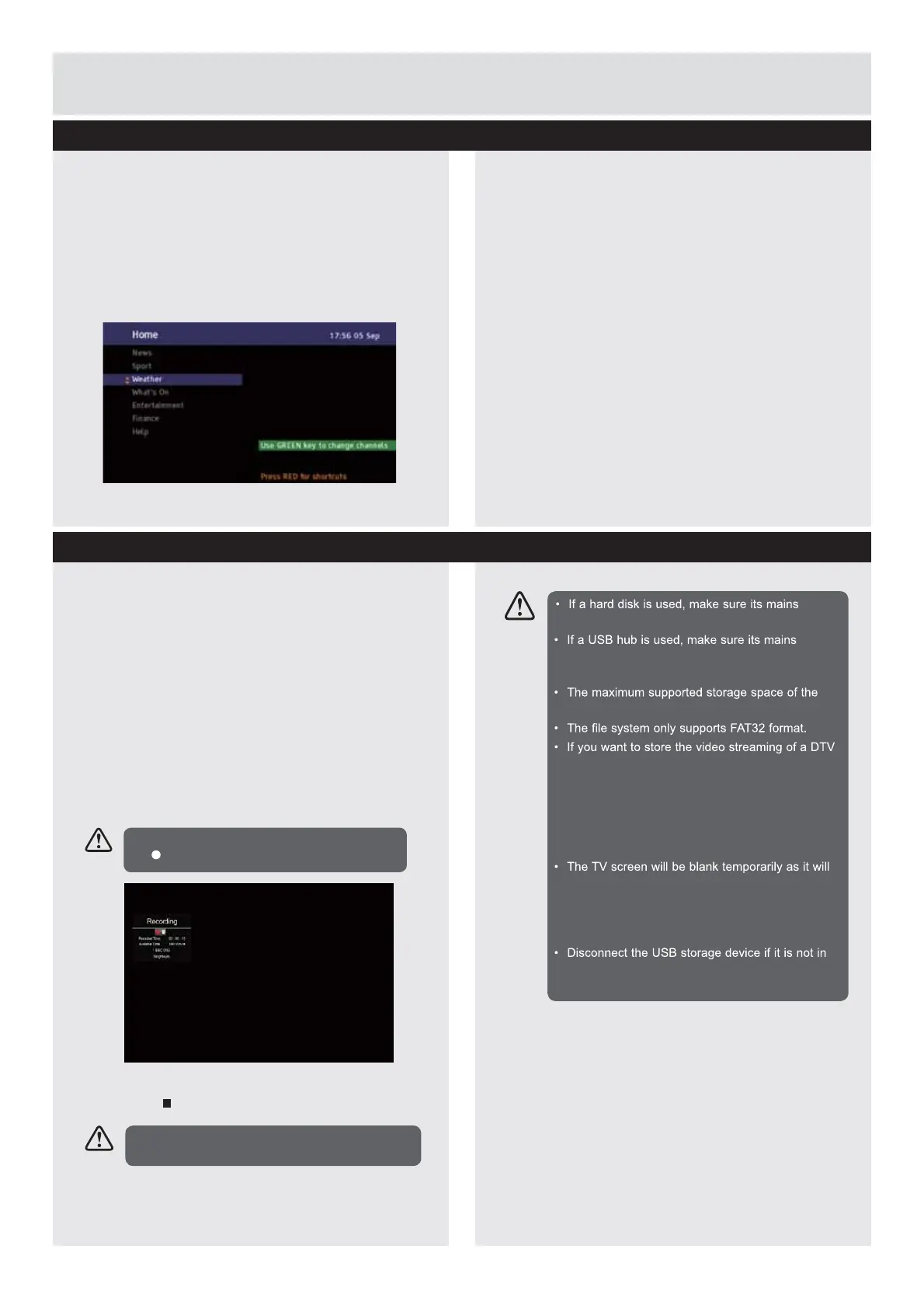
Digital teletext can access special digital teletext
VHUYLFHVDQGVSHFL¿FVHUYLFHVZKLFKEURDGFDVW
GLJLWDOWHOHWH[W<RXZLOOQHHGWRWXUQRII6XEWLWOH
Function before using teletext.
1.
In DTV mode, press the
TEXT
button to
display the teletext page.
Use this function to record the DTV programme
you are watching on the main screen and save it
for future viewing. The recording from scheduled
recording or direct recording may have a little bit
of delay when it starts to record the broadcast
programme.
Please make sure the USB device is inserted. If
not, a warning message will pop up.
1.
Press the
Ɣ
red button to record the
programme that you are currently watching.
1.
Press the
Stop button to stop recording.
2.
3UHVVWKHŸź
ŻŹ
buttons to select a page
number.
3.
Follow the instructions on digital teletext
and move onto the next step by pressing
(17(5ŻŹ5('*5((1<(//2:%/8(
buttons etc.
4.
To change digital teletext service, select a
different service by pressing the
Ÿź
buttons.
$OWHUQDWLYH<RXPD\SUHVVWKH
TEXT
button to
display the teletext information.
5.
Press the
TEXT
button to exit
To display the recording information, press
the
REC button.
Recording will stop automatically when the
disk is full.
adapter is connected to the mains supply.
adapter is connected to the mains supply as the
total current consumption may exceed 500mA.
hard disk is 1 TB.
programme, the transfer rate of the USB storage
device must not be less than 5MB/s, otherwise
the picture and sound of the programme will be
affected and a warning statement will be shown
on the screen. If this happens, please upgrade
your USB storage device.
take time to start up and stabilise the connected
hard disk. This is normal and the starting time
may vary depending on the brand and the
memory size of the connected hard disk.
use.
Downloaded from www.vandenborre.be



 To Next Page