23
Sound management Channel management (ATV / DTV Mode)
EQ Setting
$OORZVWKHVHOHFWLRQRIDQHTXDOL]HUPRGH2II
5RFN3RS-D]]8VHU<RXFDQFKDQJHWKH
EQ value under User mode.
AVL
Selects to turn On/Off Audio Volume Leveler.
SPDIF
6HOHFWWKHGLJLWDODXGLRRXWSXWPRGH$XWR2II
PCM.
Sound Type
When a programme is selected, press the
MTS
button to display the sound information for the
selected station.
Mono sound selection
If the stereo signal is weak in stereo reception,
you can switch to mono by pressing the
MTS
button. In mono reception, the clarity of sound
is improved. To switch back to stereo, press the
MTS
button again.
Language selection for dual language
broadcast
If a programme can be received in two
languages (dual language), you can swith to
DUAL I, DUAL II, Mixed or Mono by pressing the
MTS
button repeatedly.
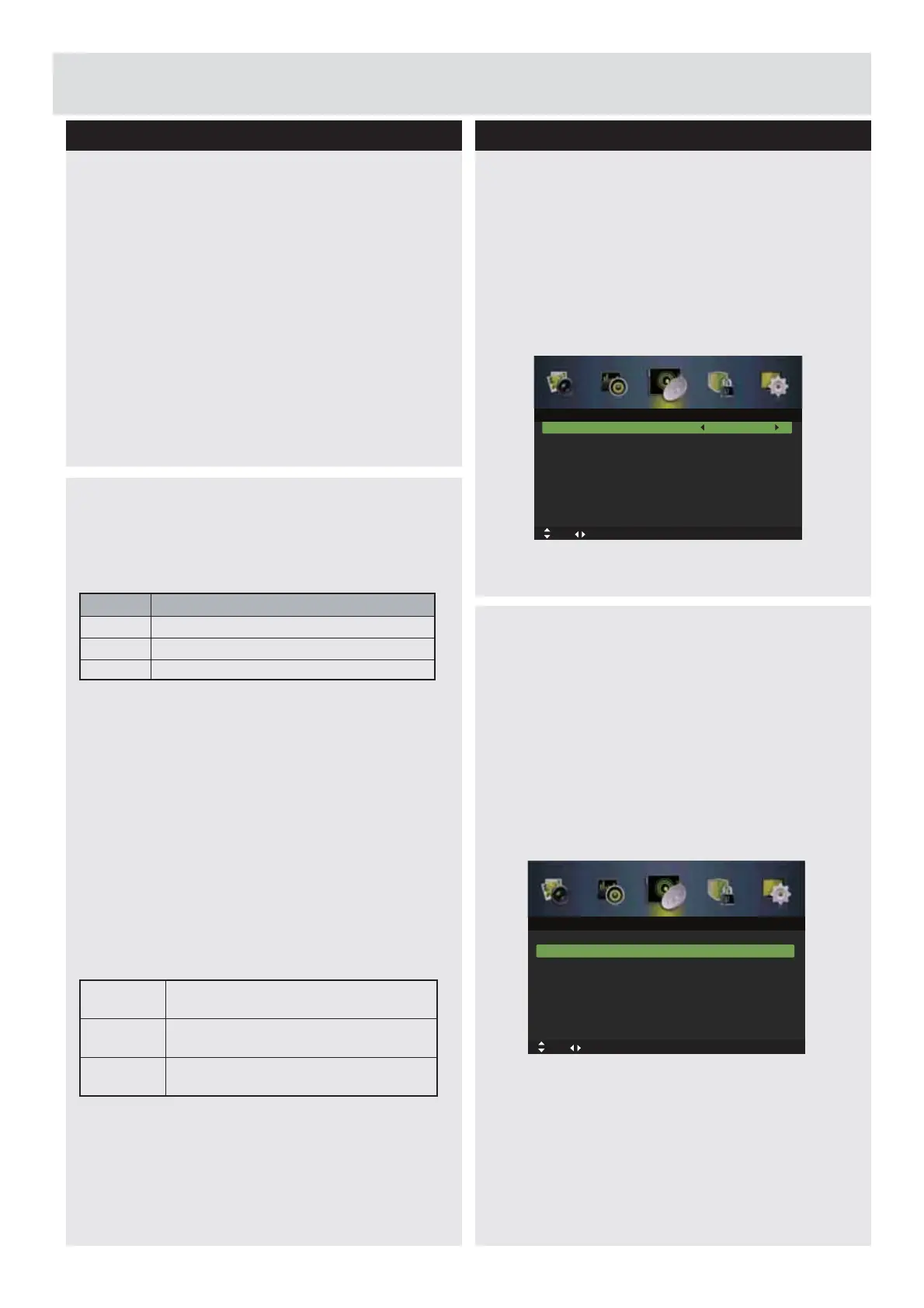
Tuner Type
1.
Press the
MENU
button to display the main
PHQX3UHVVWKHŻŹEXWWRQVWRVHOHFW6HWXSLQ
WKHPDLQPHQXWKHQSUHVVWKHźRUWKH
ENTER
EXWWRQLWZLOOKLJKOLJKWWKH¿UVWRSWLRQ
2.
3UHVVWKHŸźEXWWRQVWRVHOHFW
Tuner Type
and then press the
ŻŹ
buttons to select Cable
or Antenna.
3.
Press the
EXIT
button to exit the menu.
Auto Scan
8VHWKLVWRDXWRPDWLFDOO\¿QGDQGVWRUH
all available channels. This is normally
recommended if some channels have been
added or removed by the broadcaster or you
have moved house.
1.
Press the
MENU
button to display the main
menu. Press the
ŻŹ
buttons to select
Channel
in the main menu, then
ź
press the or
ENTER
EXWWRQLWZLOOKLJKOLJKWWKH¿UVWRSWLRQ
2.
Press the
Ÿź
buttons to select Auto Scan
and then press the
ENTER
button to enter
submenu.
Basic Feature
Auto Scan
Tuner Type Cable
Off
Manual Scan
Channel Edit
Auto Channel Update
Common Interface
Favorite Manager
Signal Information
Move Adjust
MENU: Return EXIT: Exit
Channel
Auto Scan
Tuner Type Cable
Off
Manual Scan
Channel Edit
Auto Channel Update
Common Interface
Favorite Manager
Signal Information
Move Adjust
Channel
OK: Select MENU: Return EXIT: Exit
DAUL I
Sends the primary broadcast language to
the loudspeakers
DAUL II
Sends the secondary broadcast language
to the loudspeakers
Mixed
Sends the primary and secondary
broadcast languages to the loudspeakers
Mono
Mono
Stereo
STEREO
Dual DUAL I, DUAL II, Mixed
Brodcast
On Screen Display
Downloaded from www.vandenborre.be



 To Next Page