22
Basic Feature
Picture management Sound management
Picture Mode
Allows the selection of a picture-enhancement
WHFKQLFDOIURPDPRQJWKHIROORZLQJRSWLRQV
Dynamic / Standard / Mild / Personal.
Brightness
This item can adjust the brightness of the entire
picture; it will affect the dark region of the picture.
Contrast
This item can adjust the highlight intensity of
the picture, but the shadow of the picture is
invariable.
Sharpness
This item can adjust the peaking in the detail of
the picture.
Saturation
This item can adjust the saturation of the colour
based on your own like.
Hue
This item may use in compensating colour
changed with the transmission in the NTSC
code.
Colour Temp
Change the overall color cast of the picture.
The choice of Cold, that means it will increase
the blue tone for the white. But choosing the
Warm, it will increase the red colour for the red.
Aspect Ratio
Allows you to watch the screen in various picture
IRUPDWV$XWR)XOO=RRP=RRP
Screen Mode
6HOHFWWKH+'0,VLJQDOVFUHHQPRGH$XWR9LGHR
/ PC.
$GYDQFHG6HWWLQJV
151RLVH5HGXFWLRQ5HGXFHVWKHQRLVHOHYHO
of the connected device (Medium / Strong / Off /
Weak).
'\QDPLF&RQWUDVW$GMXVWVWKHG\QDPLF
contrast (Medium / Strong / Off / Weak).
4.
Press the
EXIT
button to exit menu.
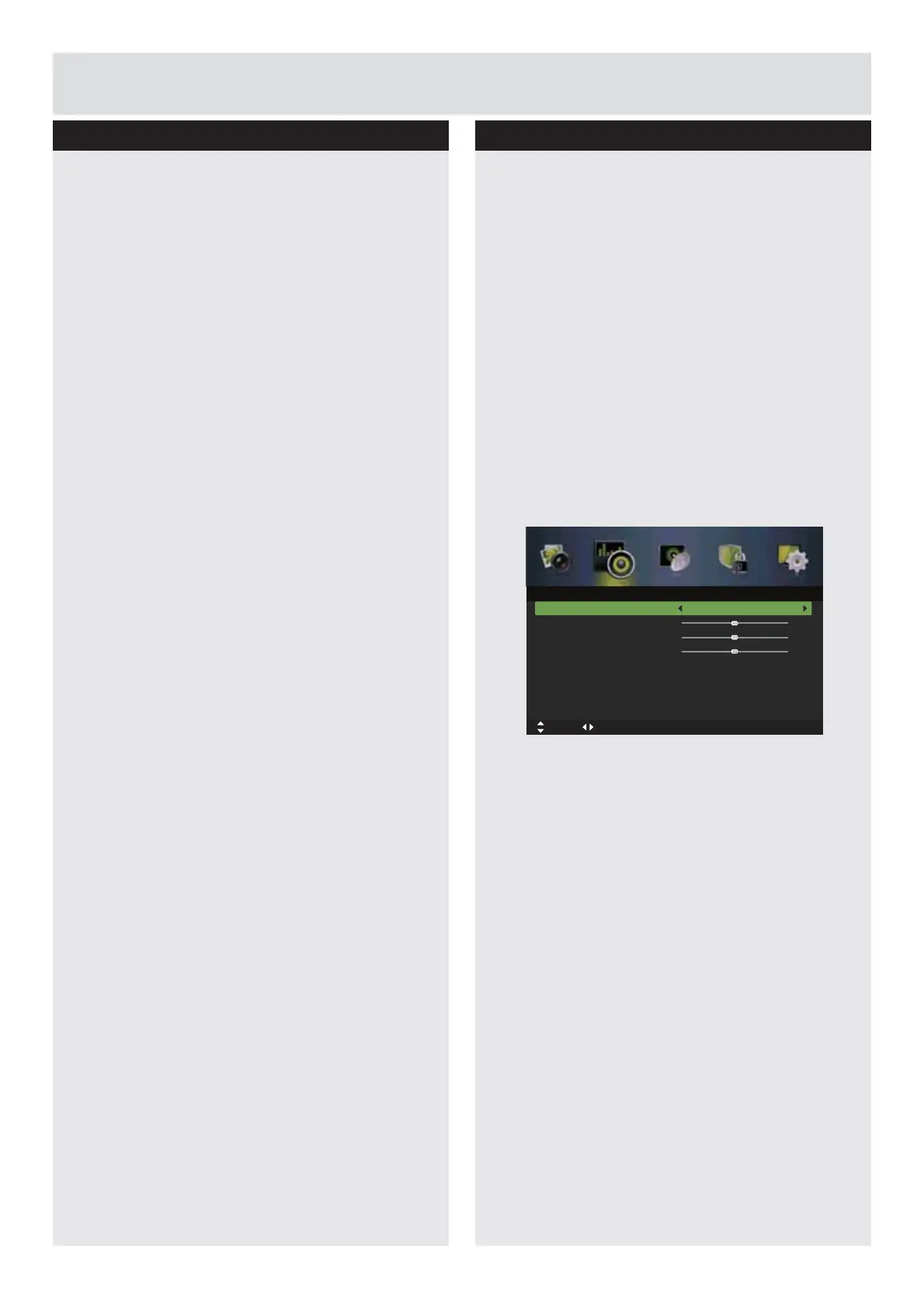
1.
Press the
MENU
button to display the main
menu. Press the
ŻŹ
buttons to select Sound
in the main menu, then press the
ź
or
ENTER
EXWWRQLWZLOOKLJKOLJKWWKH¿UVWRSWLRQ
2.
Press the
Ÿź
buttons to select the option you
want to adjust in Sound menu.
3.
Press the
ŻŹŸź
buttons to change the
following settings.
7,36
<RXFDQFKDQJHWKHYDOXHRIWUHEOHDQGEDVV
when the sound is in Personal mode.
<RXFDQSUHVVWKH
S.MODE
button on the
remote control to change the Sound Mode
directly.
Sound Mode
Allows the selection of an audio-enhancement
WHFKQLFDOIURPDPRQJWKHIROORZLQJRSWLRQV
6WDQGDUG0XVLF0RYLHDQG3HUVRQDO<RXFDQ
change the value of Treble and Bass when the
sound is in Personal mode.
Treble
Controls the relative intensity of higher-pitched
sounds.
Bass
Controls the relative intensity of lower-pitched
sounds.
Balance
Adjusts the relative volume of the speakers in a
multiple speaker system.
Surround Sound
This creates surround sound to your TV when
switched on.
Sound Mode
Treble
Bass
Balance
EQ Setting
AVL
Surround Sound
SPDIF
Standard
Off
Off
PCM
0
0
0
Move tixE :TIXE nruteR :UNEMtsujdA
Sound
Downloaded from www.vandenborre.be



 To Next Page